AFR-24S User Manual
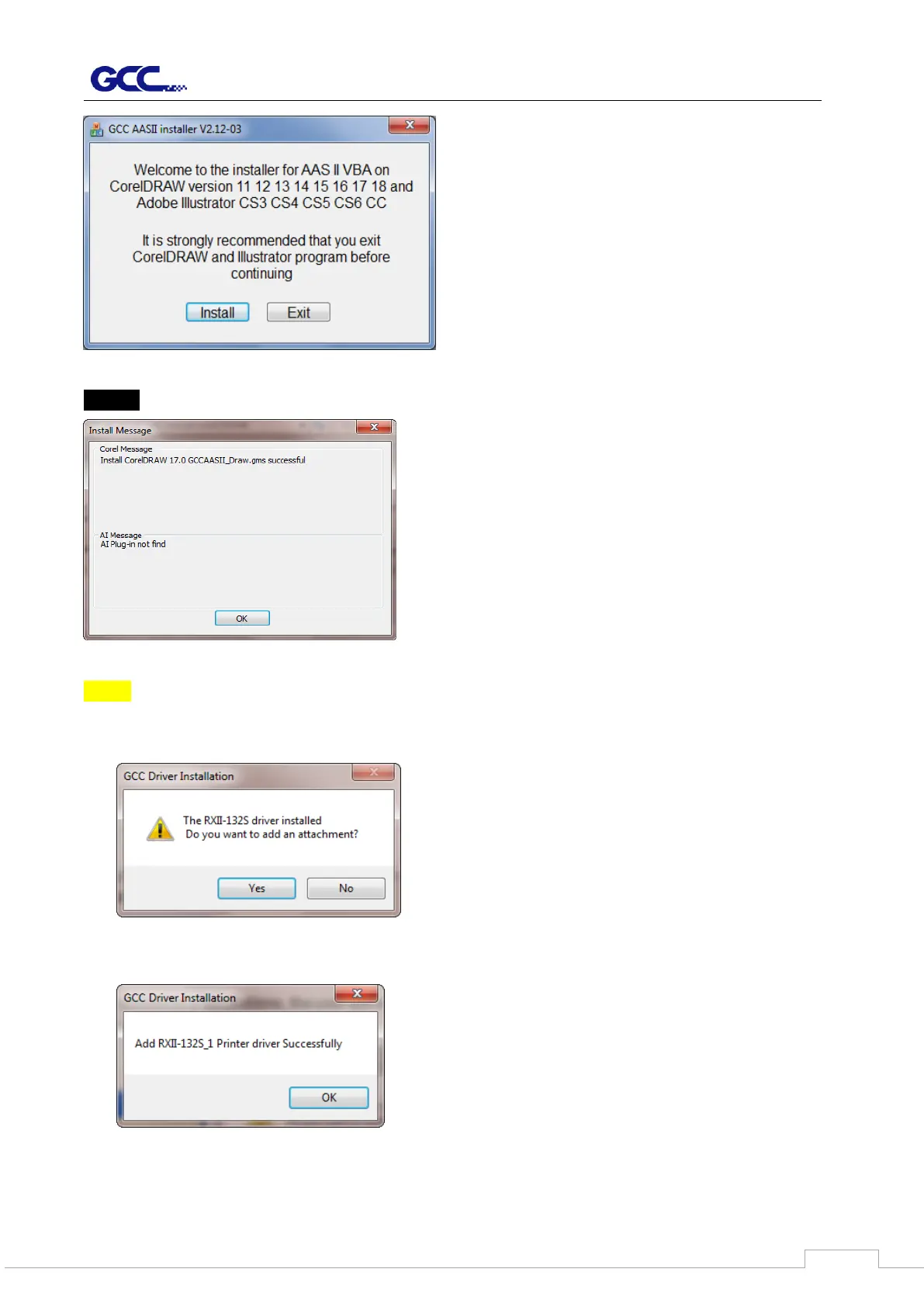
Step 9 Check Install Message to confirm CorelDRAW and AI version and then click OK.
Note:
(1) If the driver is being installed for a second time, the user will be prompted as to whether a
second copy of the driver installation is required.
(2) If the user selects yes, a second copy of the driver will be installed.
(3) For users who have upgraded Adobe Illustrator or CorelDRAW, please go to the AAS
Installer page in the Printer Properties window and click “Install” to access the latest



 To Next Page