AFR-24S User Manual
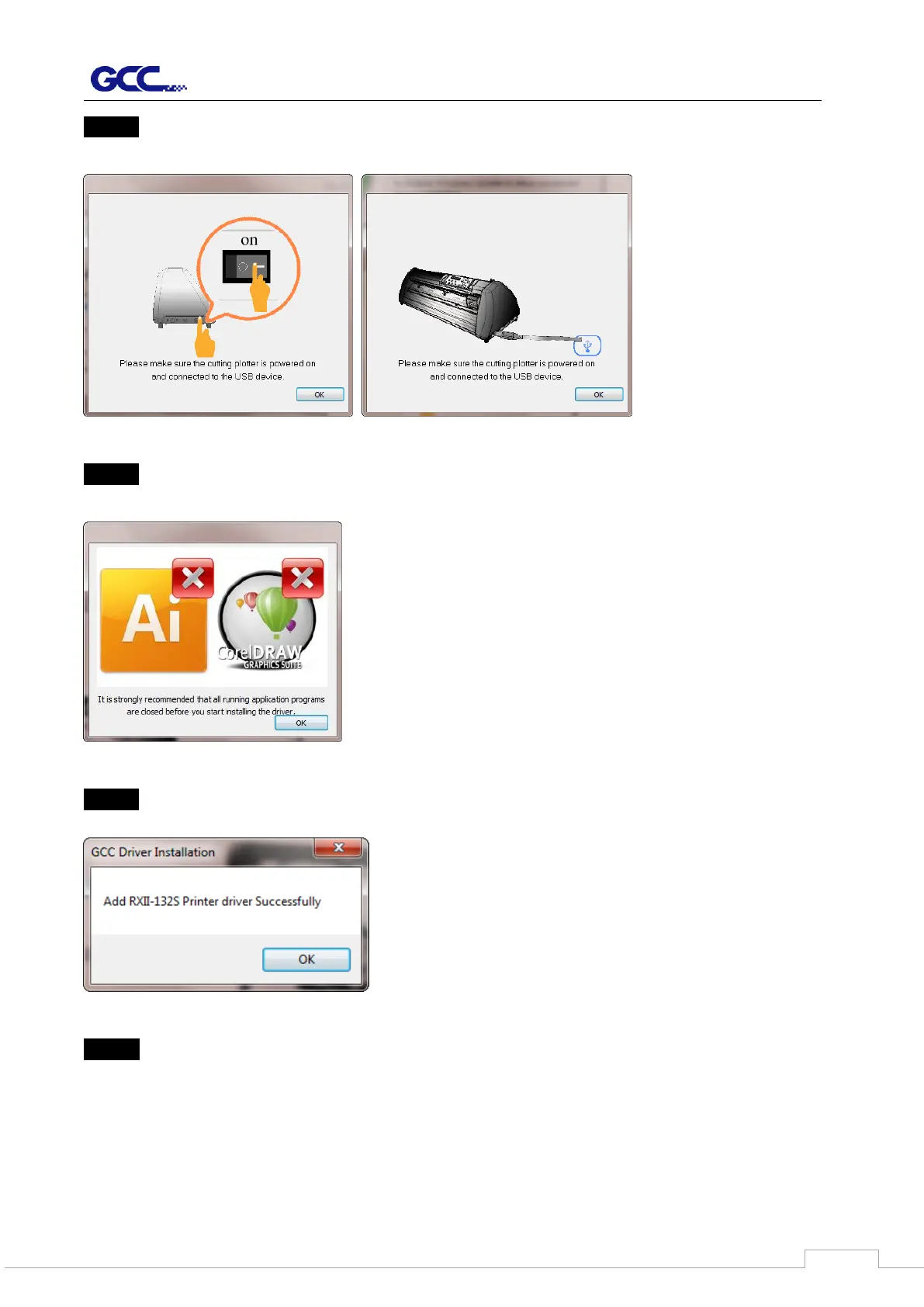
Step 5 Please make sure the cutting plotter is powered on and connected to the USB device,
and then click OK to next step.
Step 6 Confirm to close all running application programs before you start installing the driver,
and then click OK.
Step 7 The installation will take a few minutes to complete and you will see a message below
and click on “OK” upon completion. Enjoy your GCC cutter!
Step 8 If you want to install AASII VBA on CorelDRAW and Adobe Illusatrator, exit
CorelDRAW and Adobe Illusatrator program, and then click on “Install.”



 To Next Page