AFR-24S User Manual
【Important Information】
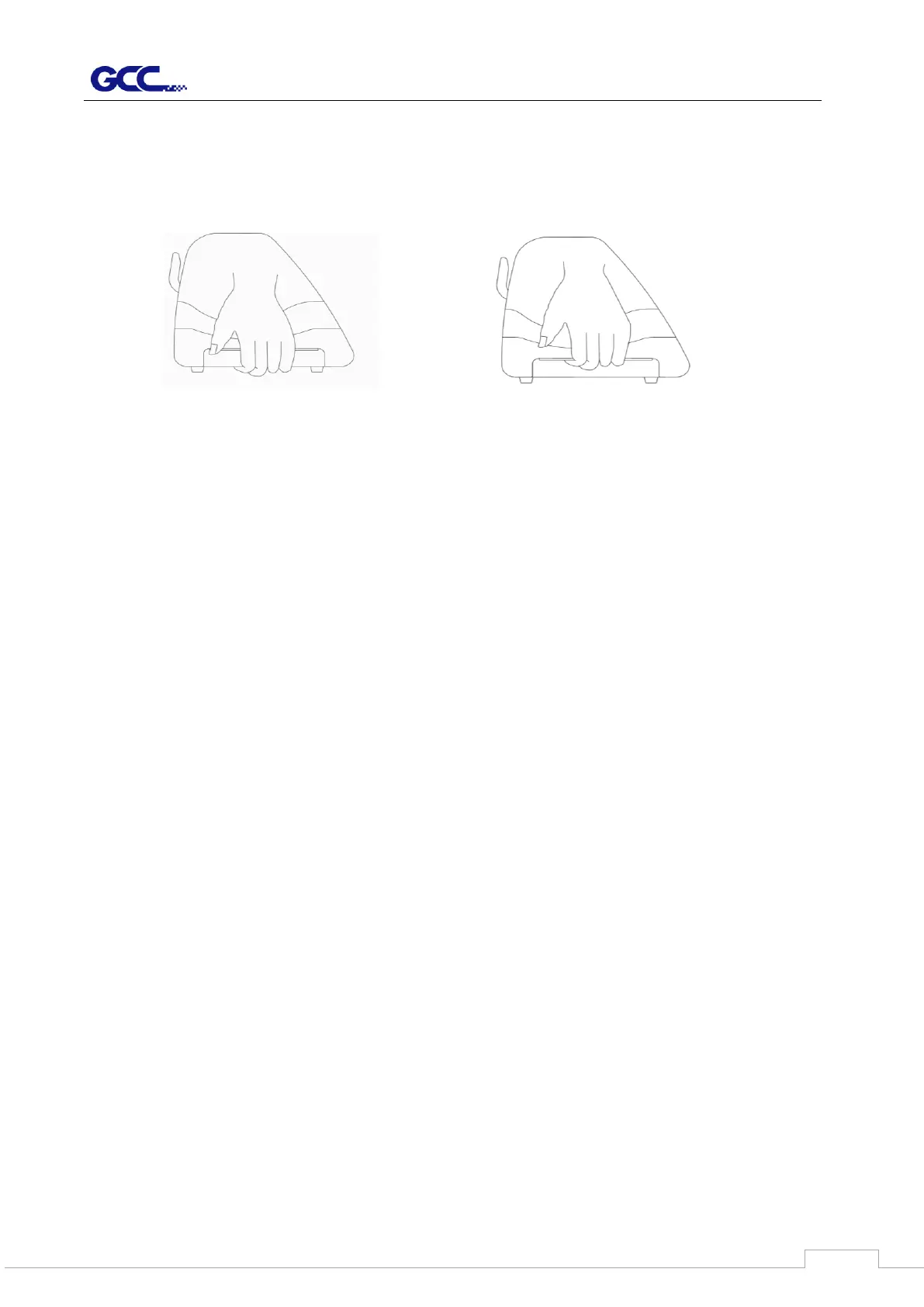
For safety concern, please always hold the cutter firmly from the bottom while moving it.
Do not move the cutter by clasping the depression area on both sides.
Do not shake or drop the blade holder, a blade tip can fly out.
During an operation, do not touch any of the moving parts of this machine (such as the
carriage). Also be careful to make sure that clothing and hair do not get caught.
Always connect the power cable to a grounded outlet.
Always use the accessory power cable which is provided. Do not wire the power cable
so that it becomes bent or caught between objects.
Do not connect the power cable to branching outlet to which other machines are also
connected, or use an extension cable. There is danger of overheating and of
mis-operation of the machine.
Keep the tools away from children where they can reach.
Always put the pinch rollers within the white marks.
【Note】
The following situations will automatically turn on the buzzer alarm and rings for 3 seconds:
1. Fail to load the media into cutter for three consecutive loading.
2. Paper jam after sizing
3. Paper feed errors when running out paper
4. Motor crashed
5. Fail to detect the registration mark
O (Correct)
Hold from the bottom
X (Incorrect)
Hold the depression area



 To Next Page