AFR-24S User Manual
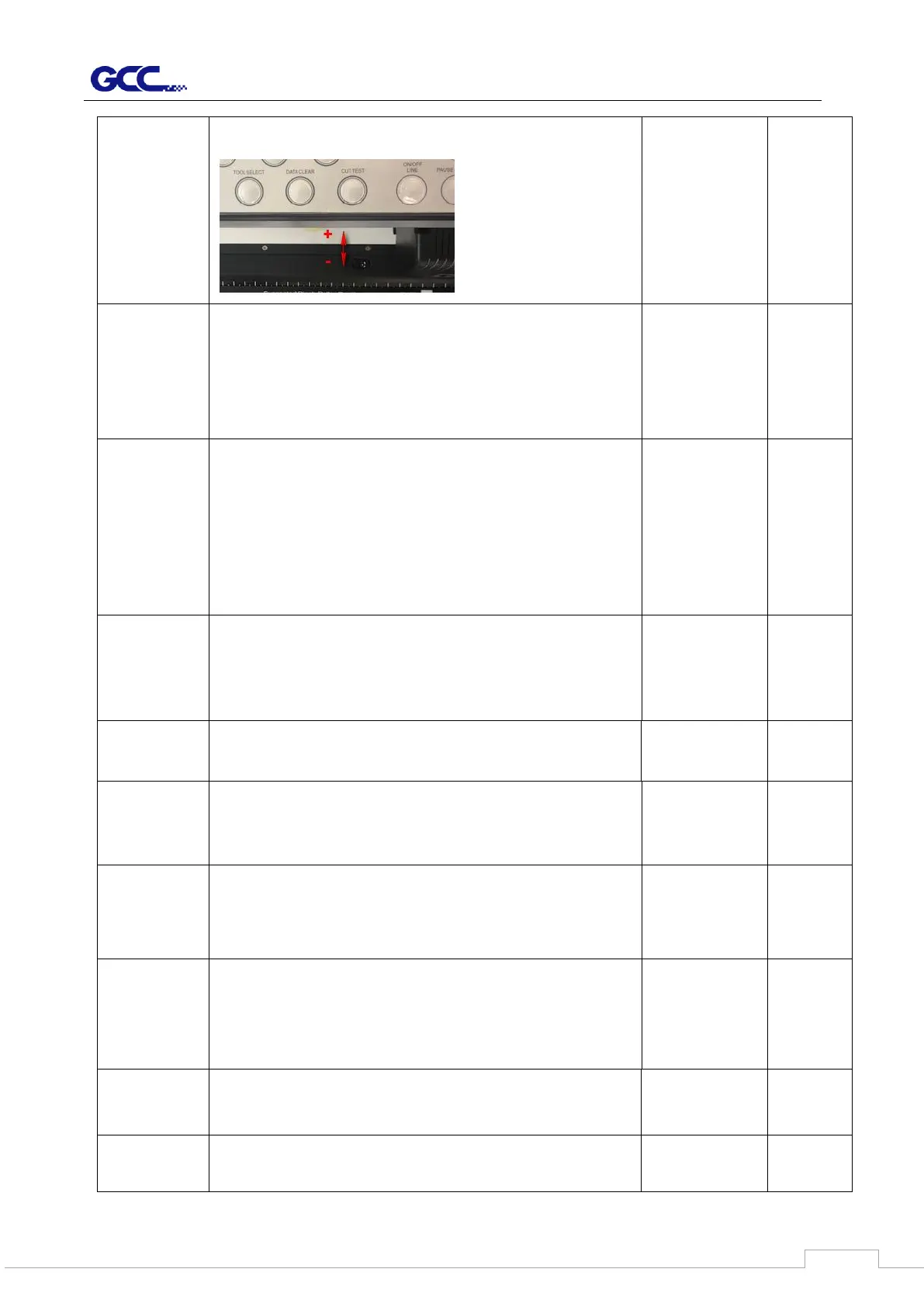
If the value of Adjust paper is bigger, the sheet media loaded
to work area will be backward
This setting only works
when using cutter with
auto feeder, or under
single mode when using
cutter alone.
(*auto feeder is an optional
item for Jaguar-61 and
RXII-61-Creasing)
To detect if the rear paper sensor is covered to determine the
following process; when it is enabled, the cutter will detect if
the material has covered the rear paper sensor under the Roll
and Edge mode; when disabled, the rear paper sensor will
not be functioning.
Note: Rear paper sensor only functions under “Roll” and
“Edge” mode.
To recognize the printed sheet media is fed in forward
direction or reversed direction by detecting the registration
marks.
1. Forward direction: to detect the registration marks in
forward media feeding direction
2. Auto detection: to distinguish the media feeding direction
automatically by detecting the registration marks.
Reverse direction: to detect the registration marks in reversed
media feeding direction
Allows user to set the sizing settings.
If set to user defined mode, the user will be asked to select the
size setting every time the machine is turned on.
If set to Default Edge or Roll, Edge or Roll type sizing will be
performed whenever the machine is turned on.
User Defined,
Default EDGE,
Default ROLL
To help improve tracking and cutting accuracy by turning on
the fans. If you turn off the vacuum system, the fans
will remain inactive during cutting or plotting.
To enable the carriage back to the previous origin; when
“Enable” is selected, the carriage will not go back to the
previous origin while the selection of “Disable” allows the
carriage to do so.
To enable the AAS copy. When “Enable” is selected, the AAS
module will continue to read the registration mark to contour
cut. Users can set distance between images and AAS copy
times in this function. The range of distance is 0-500mm, and
the range of times is 0-1000.
AAS Offset/
AAS Ext. Offset
To set or modify AAS offset value.
You can refer to “5.3 Printer Test” for more details.
Adjust the offset value under AAS Offset menu when a
regular blade holder is installed; adjust the offset value under
AAS Ext. Offset menu when an extension holder is installed.
AAS Offset:
X:0, Y:0
AAS Ext.
Offset:
X:8.5, Y:3
To save media by four different modes:
1. Length expanded mode 2. Width expanded mode
3. Both expanded mode 4. Both unexpanded mode
Correct the gap between the pen and cutter mounted on the
carriage.
1. Press the arrow keys to move the cursor to the position you



 To Next Page