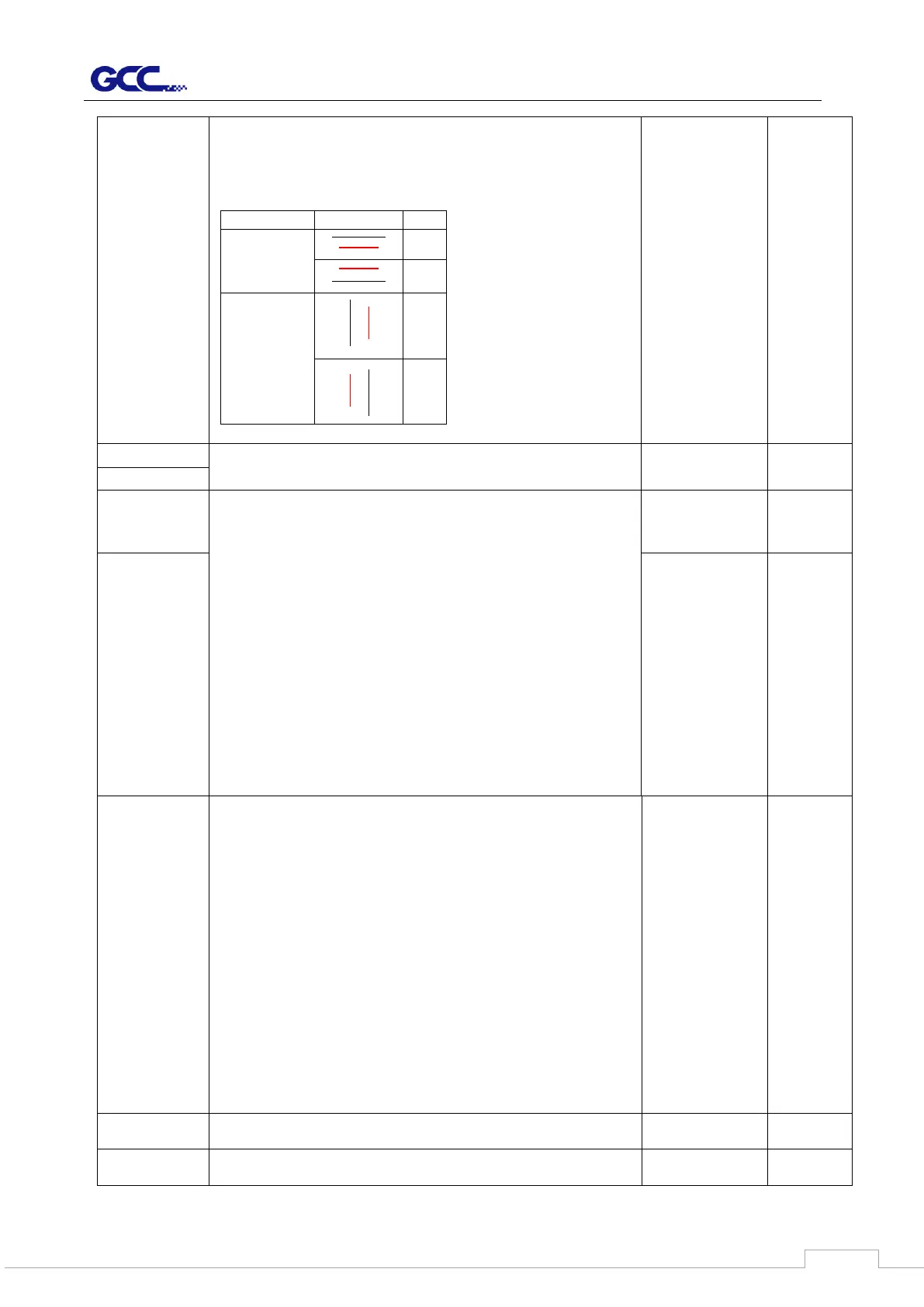
To adjust the image scale of media length and width that may
cause by the thickness of the media.
The Numerator is the ideal length, and the Denominator is
the actual length measured from the resultant.
For example, cutting a line with 500.0 mm length. The
procedure as follows:
1. Press the [LEFT ARROW] to choose the Numerator and
select 500.0 mm,
2. Cut the length by sending a graph file,
3. Measure the length then use the [RIGHT ARROW] key to
choose the Denominator, then
4. Press [UP ARROW /DOWN ARROW] to change the
values of the actual length.
To build up the communication between host computer and
cutter.
Baud Rate is to determine the speed of data transmission.
Data Bits refers to the size of one block of data.
Parity is used to check if data was revived correctly or not.
9600, n, 7, 1, p 9600pbs, 7 Bits with NO Parity
9600, o, 7, 1, p 9600pbs, 7 Bits with ODD Parity
9600, e, 7, 1, p 9600pbs, 7 Bits with EVEN Parity
9600, n, 8, 1, p 9600pbs, 8 Bits with NO Parity
9600, o, 8, 1, p 9600pbs, 8 Bits with ODD Parity
9600, e, 8, 1, p 9600pbs, 8 Bits with EVEN Parity
19200, n, 7, 1, p 19200pbs, 7 Bits with NO Parity
19200, o, 7, 1, p 19200pbs, 7 Bits with ODD Parity
19200, e, 7, 1, p 19200pbs, 7 Bits with EVEN Parity
19200, n, 8, 1, p 19200pbs, 8 Bits with NO Parity
19200, o, 8, 1, p 19200pbs, 8 Bits with ODD Parity
19200, e, 8, 1, p 19200pbs, 8 Bits with EVEN Parity



 To Next Page