AFR-24S User Manual
outwards. This setting will always automatically direct the cutter to cut from the inner
most vector shape and move outwards.
4. Cutting Path Optimization:
This is a setting that will minimize your process time. When selected, the print driver will
analyze your image and automatically determine the most efficient processing path to
process your image.
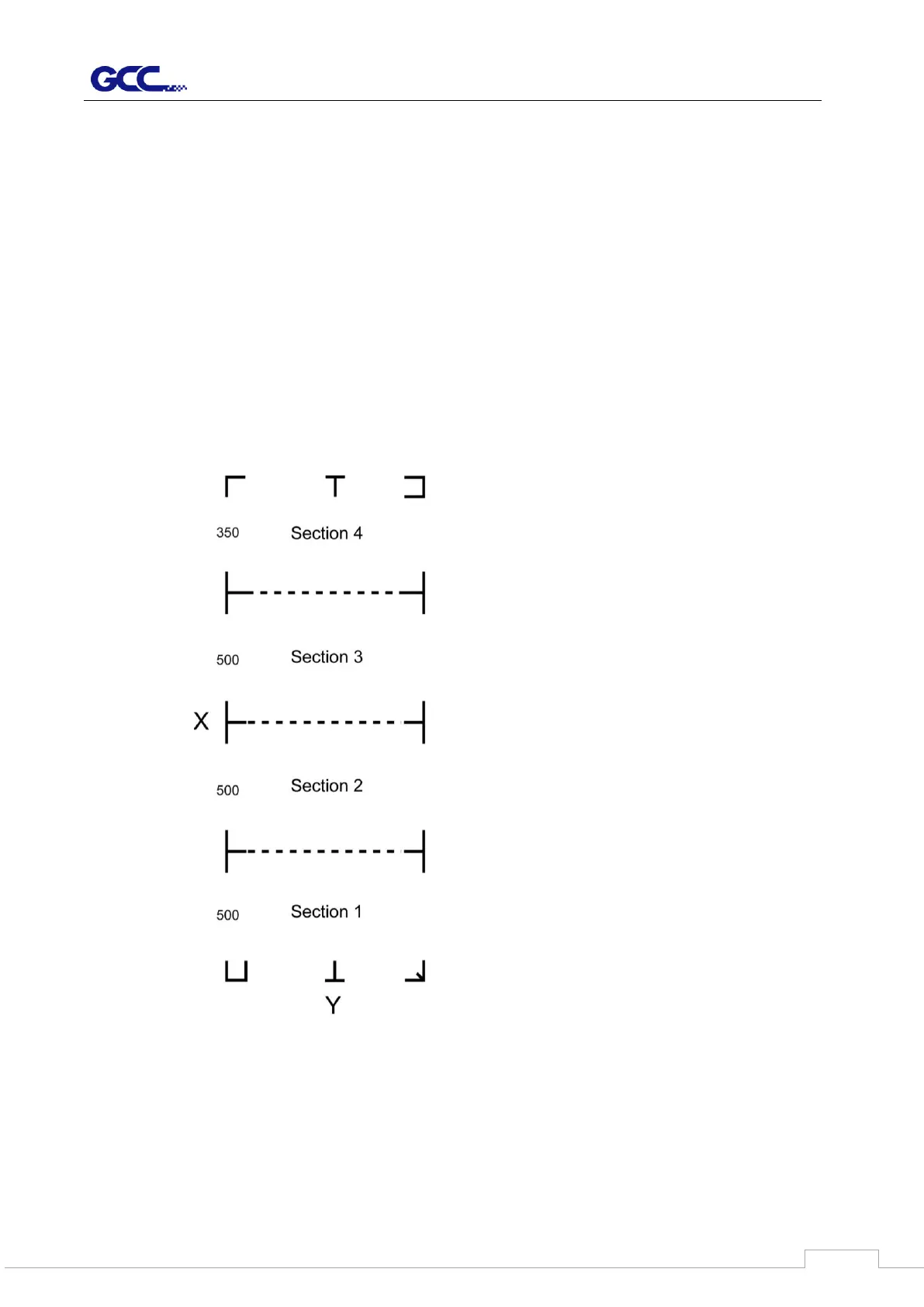
5. Section Cutting:
Users can output long picture by section cutting which could make cutting more stable
and get superior cutting quality. Users can set the section by registration marks or input
the value manually. When cutting plotter finishing cutting in section 1, it will continue to
cut in section 2. The picture is shown as below:



 To Next Page