SX-3000 Standalone Integrated Media Block™ with
Portable Storage/ Enterprise Storage User Manual
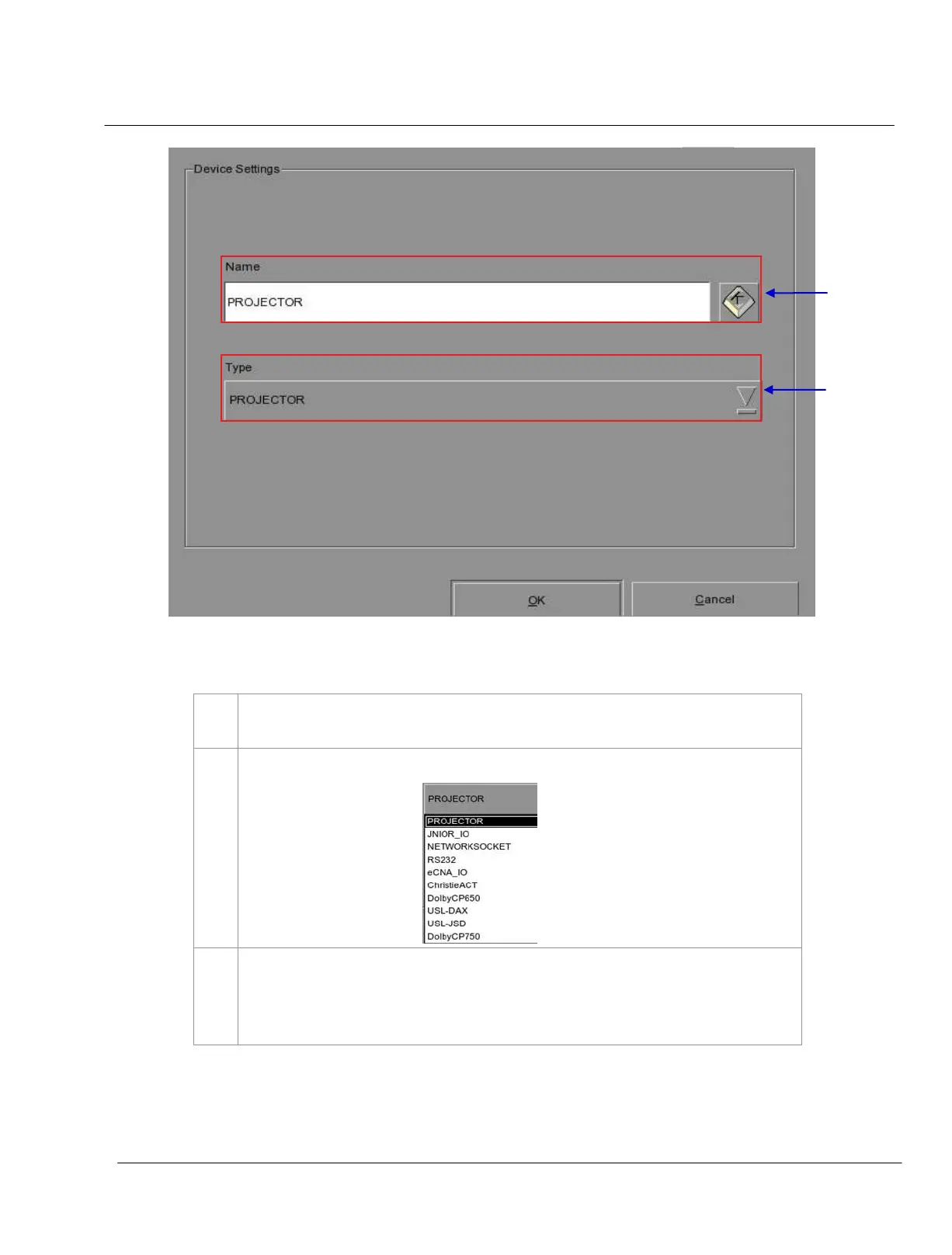
Figure 25 The device configuration window.
To add a new device, press Add. A new window appears as seen in Figure 25. Type in the
name you want to assign to a particular device.
After adding the device name, assign the type of device you want to use. Select from a
dropdown list as seen below
.
You can edit or delete the device name on the dropdown list in the Devices menu (please refer
to Figure 24). The device configuration window as seen in Figure 25 opens when you press
Edit to edit the existing device name. The device name is deleted immediately after pressing
Delete
.



 To Next Page