Under
Projector Settings
,
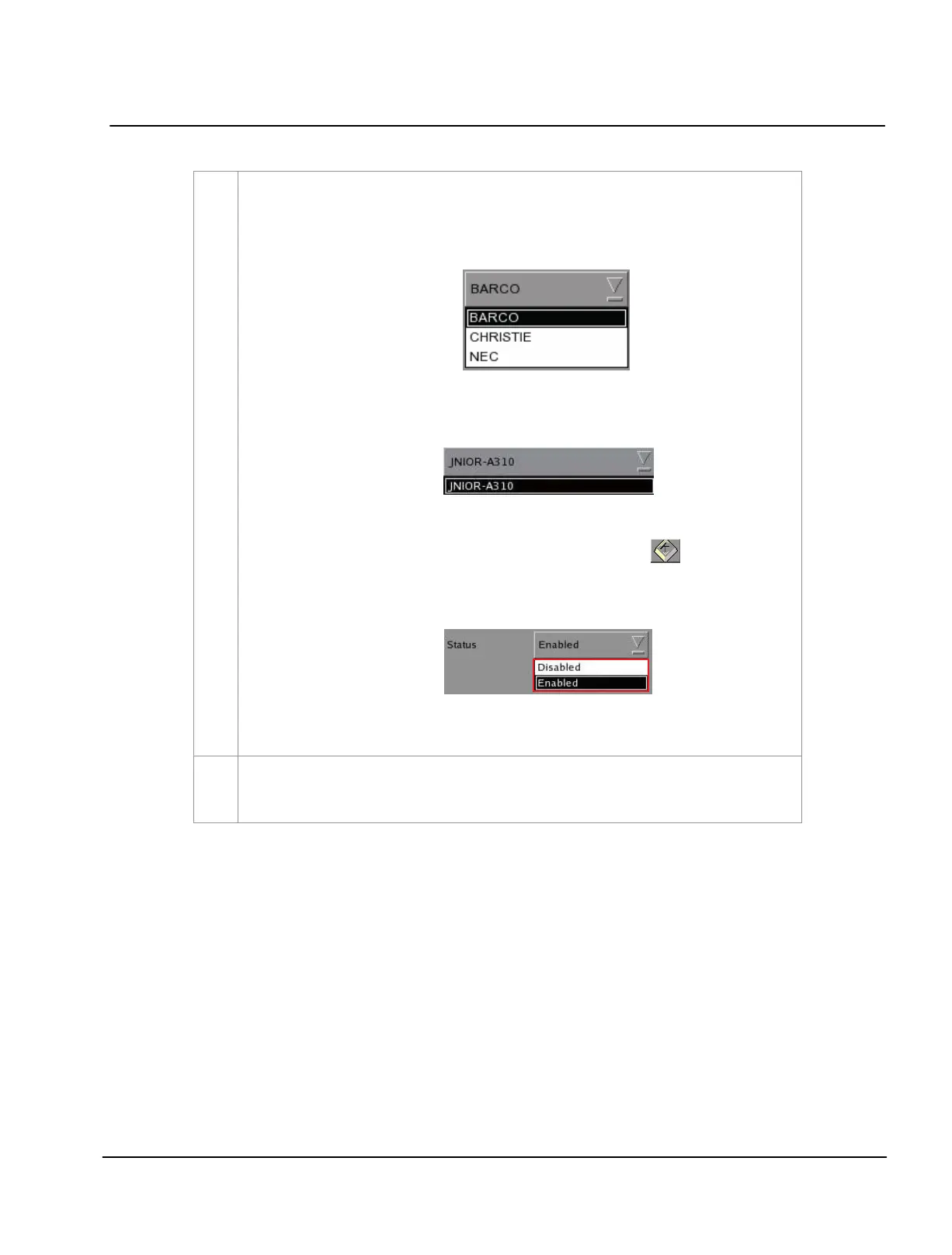
(a) When the selected device type is
PROJECTOR, select the model of the projector
you want to use from a dropdown list.
When the selected device type is
JNIOR_IO, only one model of the Ethernet I/O
controller is available from the dropdown list.
(b) Set the parameters such as
IP address, Port and Status of the selected device,
Login name and Password. Use the on-screen keyboard to type in the IP
address, Port, Login name and Password.
(c) The status of the device can be
Enabled or Disabled. Select from the dropdown
list as seen below
.
NOTE: This is the only option available for
Projector Settings when System or
GPIO is selected.
To search click the
Search Devices on Network button. This will scan the network for available
devices. Once discovered, to select the device and press Add
.



 To Next Page