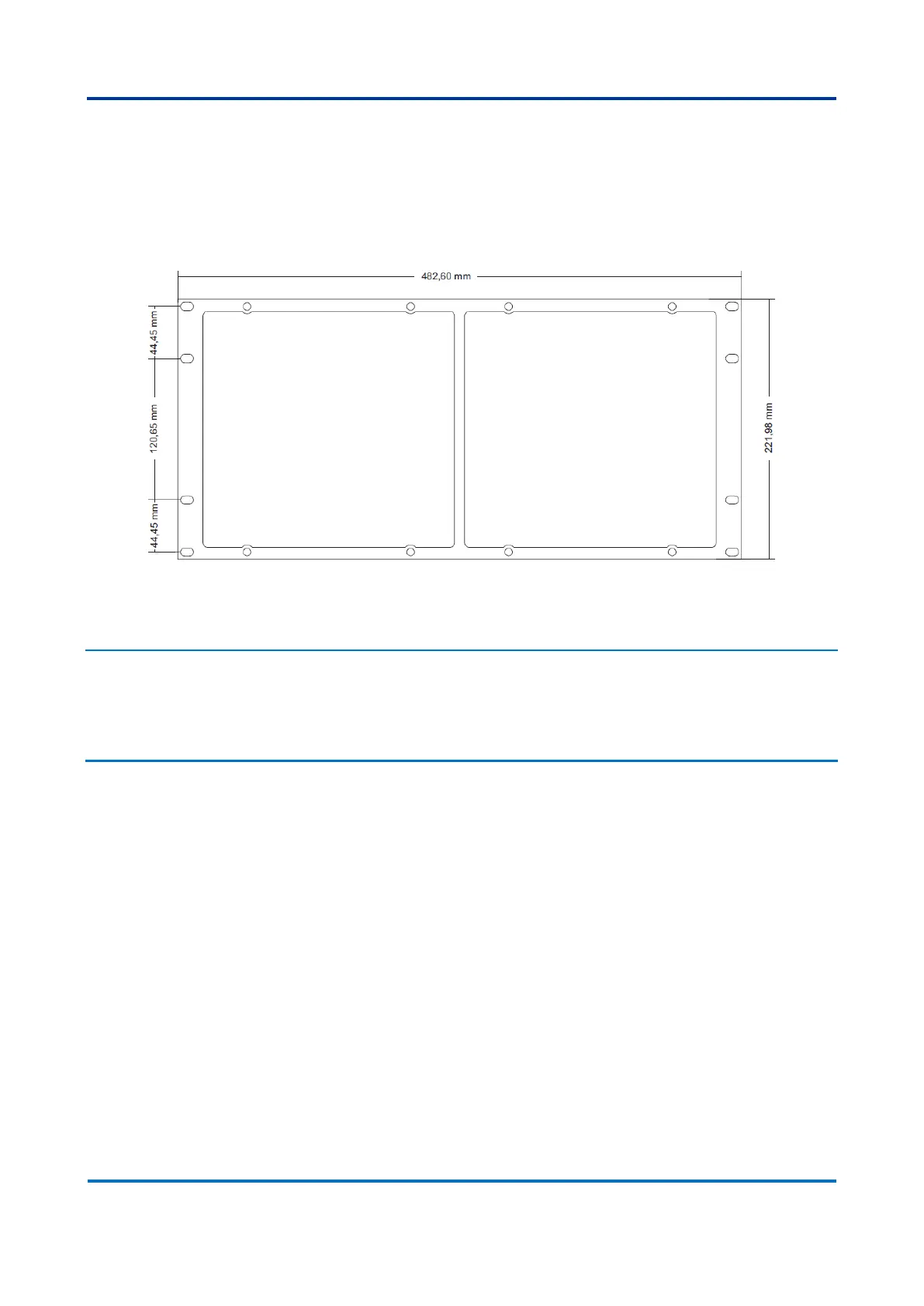
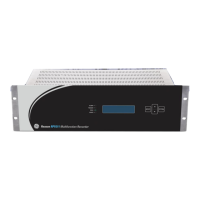
5.3.2 Mounting Panel for Two DR60 (Q061)
Mounting Panel to install one/two DR60 in a 19-inch rack is shown in figure below.
The mounting panel comes with a blank plate to cover one cutout in case only one DR60
is being used.
Double mounting chassis to install two DR60 in a 19-inch rack
6 DR60 Configurator Tools Installation
The DR60 Configuration Tool is the Windows based software responsible for device
configuration, logs download and IED embedded software (firmware) upgrade.
6.1 Minimal requirements
The minimum hardware requirements, supported operational system and applications
needed for the installation and implementation of the DR60 Configurator are described
below.
Minimum hardware requirements:
• Processor 1 GHz or higher, 32-bit (x86) or 64-bit (x64);
• Minimum 1 GB RAM (32-bit) or 2 GB RAM (64-bit);
• Minimum 1 GB free space on disk;
• DirectX 9 or higher.
Supported operational system:
• Windows
©
XP 32-bit (x86) or 64-bit (x64).
• Windows
©
7 32-bit (x86) or 64-bit (x64).
Applications:
• Microsoft dot.Net 4.0 version or higher;
• FTDI Driver 2.08.24 version or higher;


 To Next Page