7.1 Creating Installations
Within the DR Manager software, the process to create a new Installation is:
1. Click <SETTINGS> menu and then click <INSTALLATIONS>;
2. Click <NEW> to create. Type the Installation's name and description and then
press <OK>.
The user can view the list of registered substations and add, edit, or remove a
substation. Substations can only be removed without any equipment being associated.
7.2 Creating Devices
The user can view the list of registered equipment, add, edit, or remove some
equipment. Equipment can only be removed when there is no transmission line
associated and if the Auto Polling is disabled.
The process to create a new device is:
• Click <SETTINGS> menu and then click <DEVICES>;
• Click <NEW> to create.
• At <HOST>, type equipment's IP address;
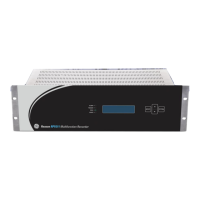
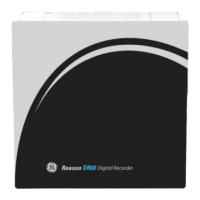
• Choose the model of the device: RPV or DR60
• Choose device installation in the Installation list;
• Click at <Get Info> and then press <Ok>.
The figure below shows the Device configuration window.


 To Next Page