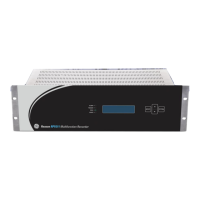
DR60
Digital Recorder
Chapter 7: Communications
This chapter provides detailed information about the communication options and how
to configure them
1 Communication Interfaces – Slot B
The DR60 has two Ethernet interfaces that can be either electrical or optical and two
serial interfaces with DB9 female connectors, serial A is RS232 and serial B is RS232.
1.1 Electrical and Optical Ethernet
The DR60 has 2 Ethernet interfaces named Ethernet 1 and Ethernet 2. The table below
describes the usage of each port:
Configuration, monitoring, GOOSE
publication/subscription, MMS report control
block publication, DNP3, PMU, firmware
upgrade, log and registers download.
Configuration, monitoring, PMU, firmware
upgrade, log and registers download.
Both interfaces can be either optical with LC connectors or electrical with RJ45
connectors.
The figure below shown the pinout diagram.



 To Next Page