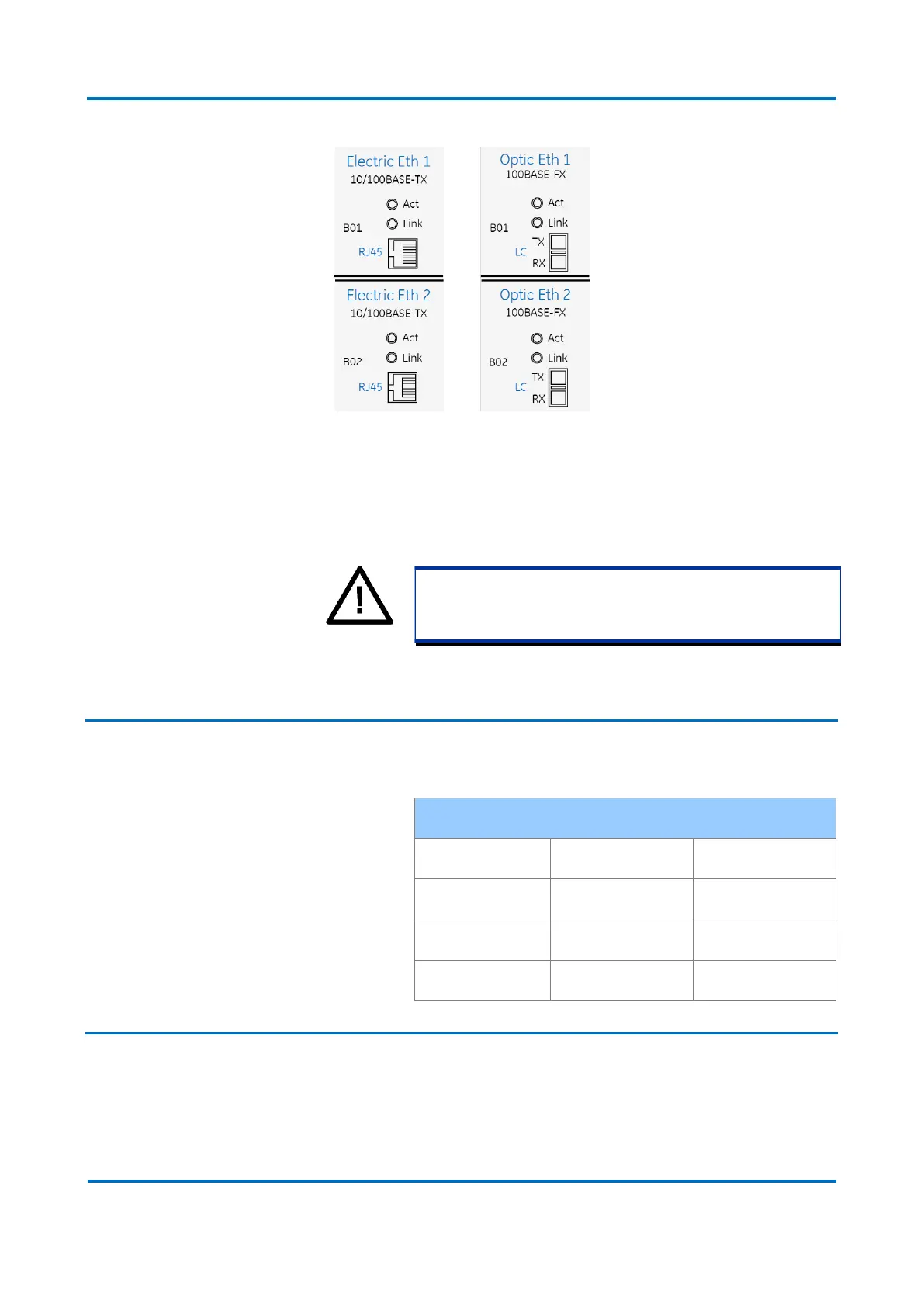
Electrical and optical Ethernet inputs
To minimize EMC effects, the use of fiber-optic cables is recommended for applications
where the length of the cable is greater than 3 m or connection between panels.
Note:
Applying signals to the Ethernet ports at 50 MHz frequency may
cause mal functioning of the ports.
1.1.1 Ethernet Port Default Settings
The Ethernet interface default settings are:
1.2 Serial Port
The DR60 has 2 serial ports with DB9 female connectors. The serial ports can be used
for configuration download/upload, firmware upgrade and logs download.
The Serial A is RS232 type. The Serial B is RS232 and RS485. The pinout of the serial
ports is shown in the figure below.


 To Next Page