The configuration of the physical communication ports is carried out though this
subtab.
Each Ethernet port, 1 and 2, have different addresses and it is possible to configure for
each of them:
▪ IP Address
▪ Network Mask
▪ Gateway
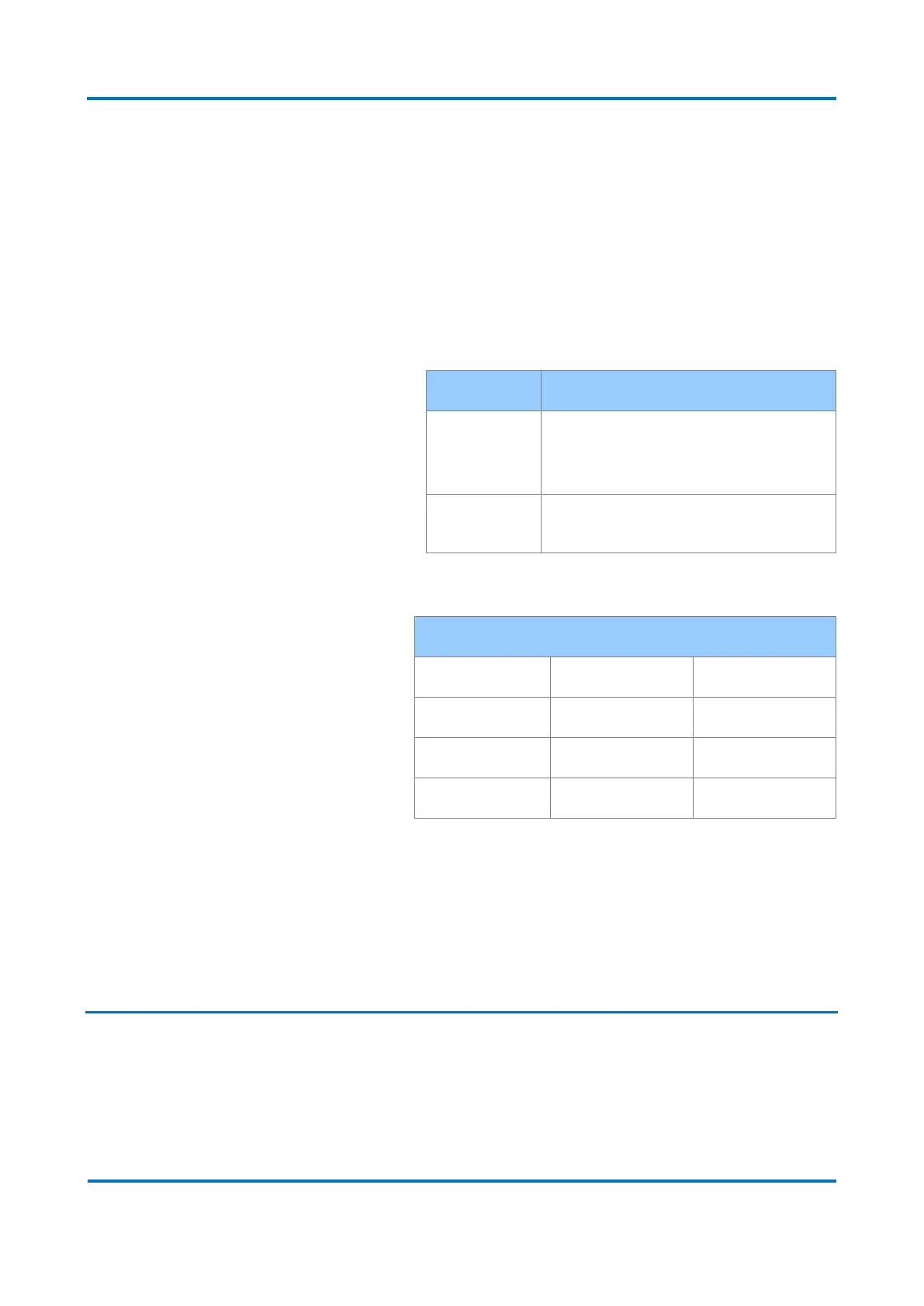
The Ethernet ports are used to:
Configuration, monitoring, GOOSE
publication/subscription, MMS report control
block publication, firmware upgrade, log and
registers download.
Configuration, monitoring, firmware upgrade,
log and registers download.
The default settings are:
For the serial ports A (RS232) and B (RS232), the following parameters are
configurable:
▪ Speed
▪ Data Bits
▪ Parity
▪ Stop Bits
5.4.2 Datasets
The Dataset section is used to create a dataset for GOOSE or Report publishing.
The configurable parameters are described below:
▪ Datasets buttons:
▪ <New>: this buttons creates a new dataset. Clicking on this button, the dataset
parameters will appear for editing.



 To Next Page