Functional checks
LOGIQ e – Basic Service Manual 4-21
5461614-100 English Rev. 6
Performance Tests
B mode Checks
Introduction
The B Mode is the system’s default mode.
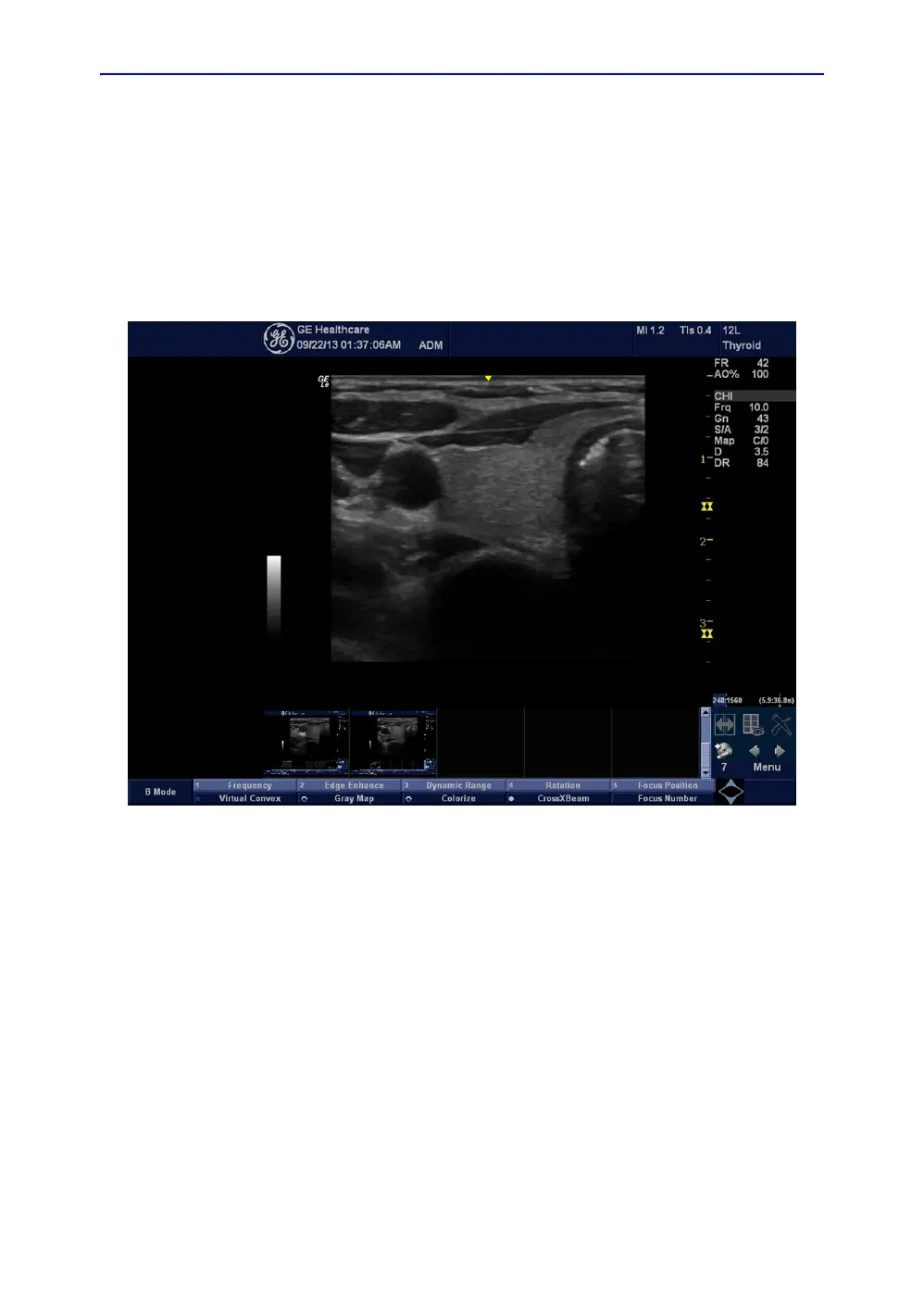
B Mode Screen Example
Figure 4-10. B Mode Screen Image Example
Preparations
1. Connect one of the probes.
For available probes, See ‘Available probes’ on page 3-30
for more information..
See ‘Connect a probe’ on page 3-17 for more information.
for info about connecting the probes.
2. Turn ON the scanner (if it isn’t turned on already).
The B Mode window is displayed (default mode).



 To Next Page