Cart Using
LOGIQ e – Basic Service Manual 11-41
5461614-100 English Rev. 6
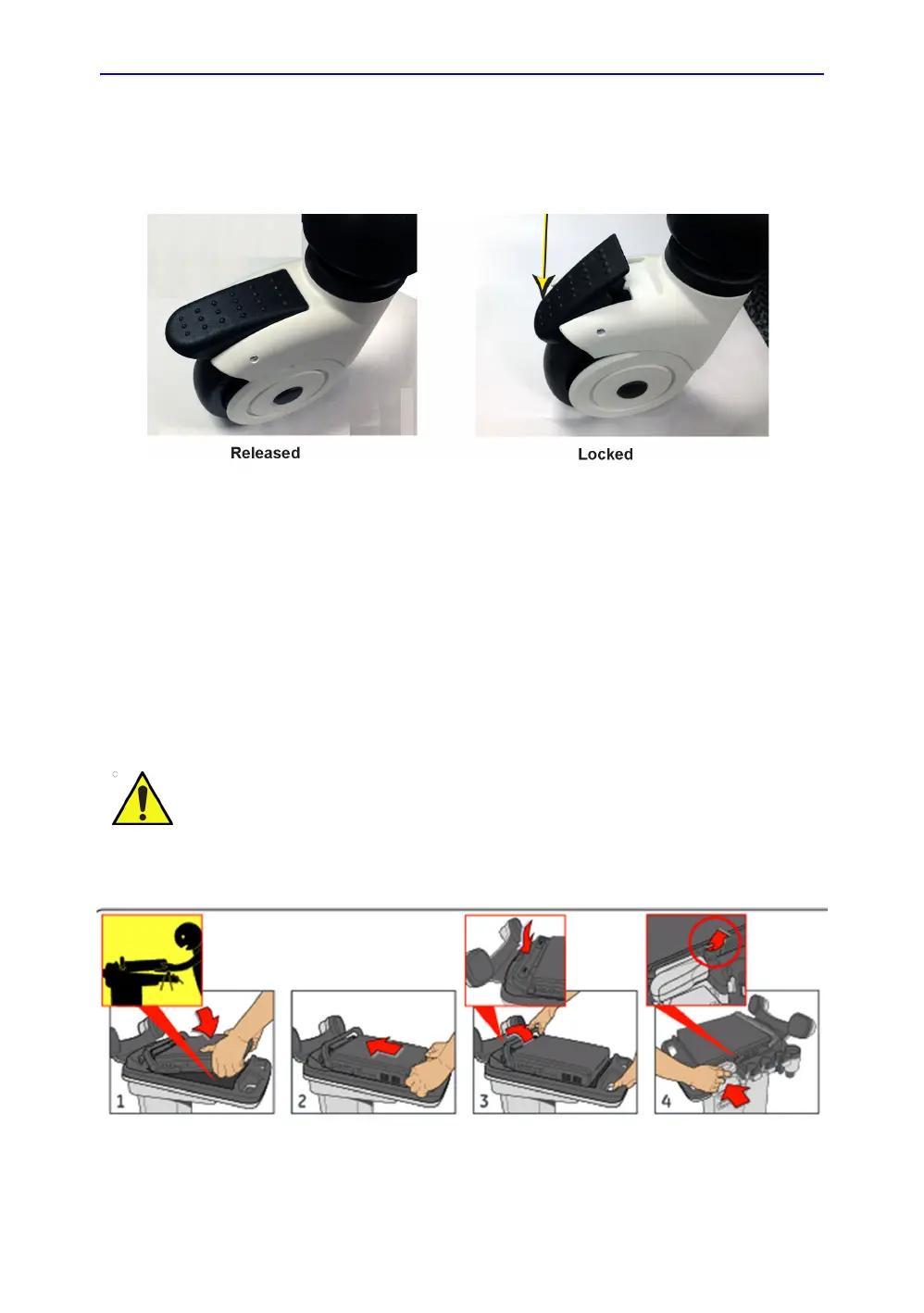
Locking the Wheels
Depress the front of the Brake Lever with your foot. With the
Brake Lever down the rolling and swivel function are locked.
Figure 11-15. Released and Locked position
Mounting the System to Cart
The system can be mounted to Docking Cart either while the
display screen is closed with the system fully shut-down or in
standby mode, or while the display screen is open with the
system powered On or Off.
NOTE: A battery or an empty battery-shell should always be attached to
the system before mounting system to the cart.
To mount the system to the cart:
Figure 11-16. Mounting System to Cart
CAUTION
Use caution when mounting system while it is turned-on to
avoid shocks or vibrations which may be harmful to the
hard-drive.



 To Next Page