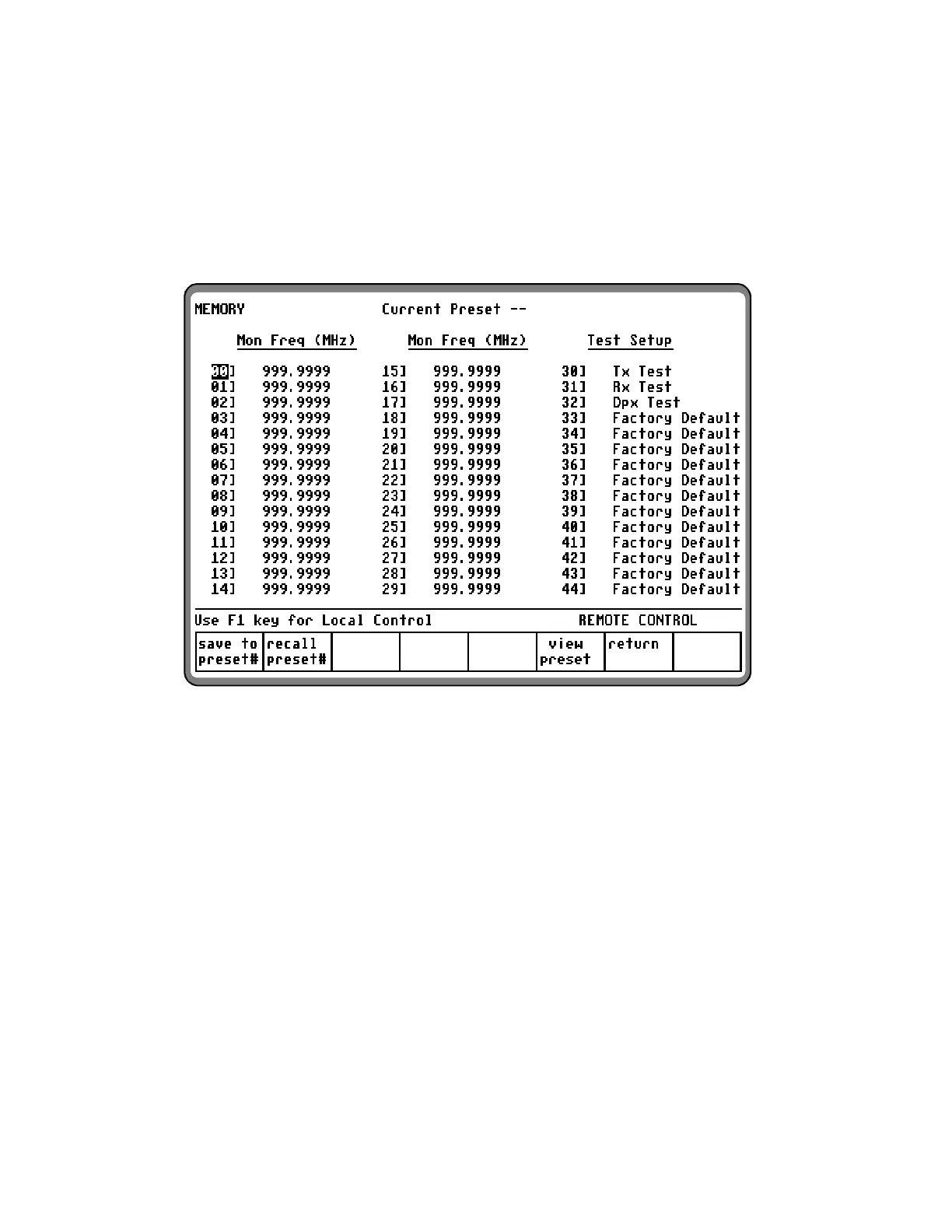
A Test Setup can be recalled from the MEMORY
screen using the Recall Preset# softkey or from
the preset cursor location in the RF Control Zone.
Each Test Setup has a 15 character label in which
alpha-numeric information can be entered to
describe that Test Setup. Characters not on the
front panel keypad can be entered using the
rotary knob.
Figure 3-25. Memory Screen with Full Test Setups Option
63


 To Next Page
 Loading...