4-1.4 Off-The-Air Measurements
1. Connect the supplied antenna to the
analyzer's ANT port. Operate the transmitter
under test either into its own antenna or into
a dummy RF load.
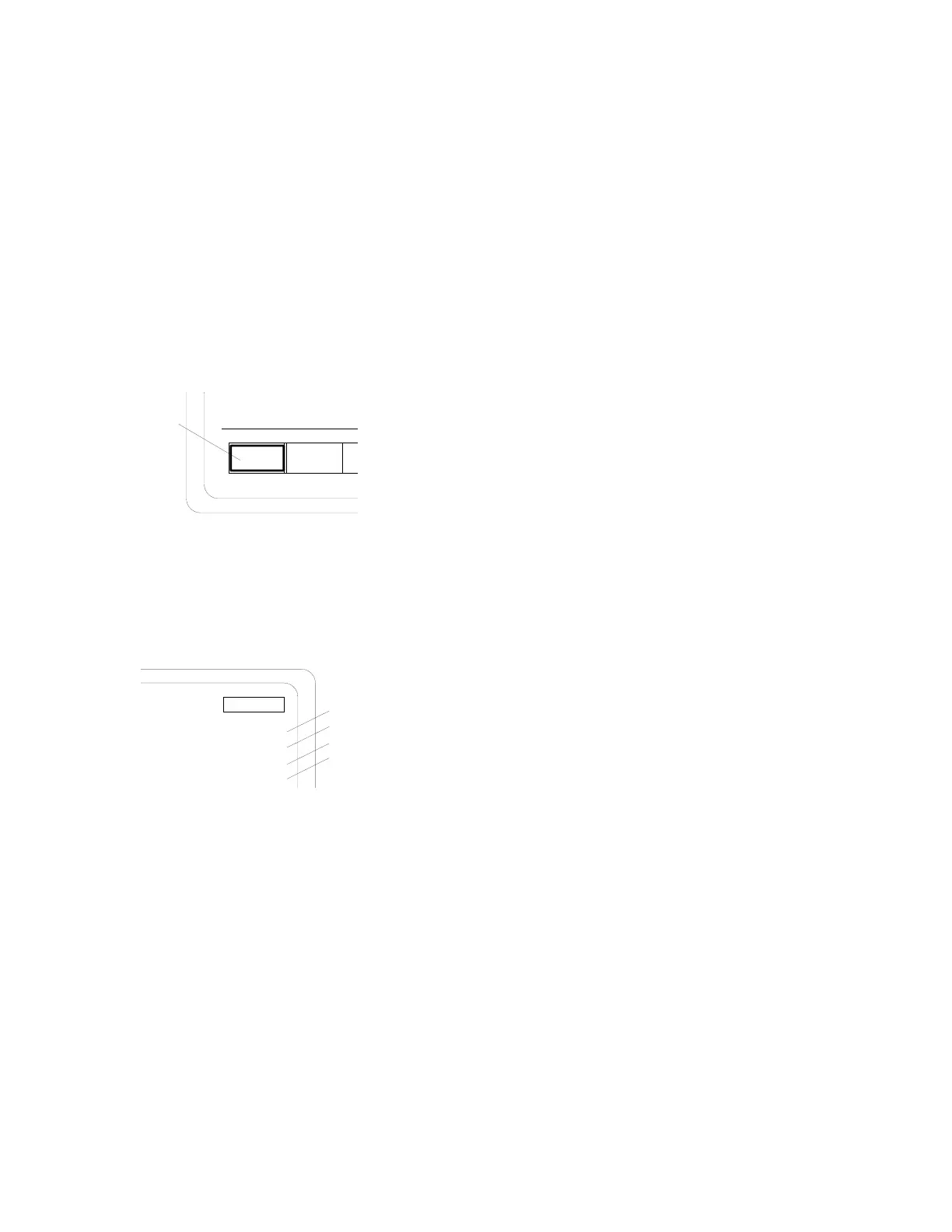
2. With the cursor located within the RF
Control zone, press the
MON softkey to place
the analyzer into its Monitor mode of opera-
tion.
MON GEN
DUPLEX
Monitor Mode
Softkey
3. Set the SQUELCH control to threshold.
Within the RF Control zone, set as follows:
RF Control:
Preset: - -
B/W: NB
MONITOR
Freq:
Attenuation:
-20 dB
816.5000 MHz
Mon RF In: ANT
Modulation Type:
FM
Transmitter Carrier
Frequency
Antenna Port
FM Modulation
-20 dB
4. Check transmitter frequency and modulation
as detailed in paragraphs 4-1.2 and 4-1.3.
NOTE
This method may be used to verify frequency
and modulation of a remotely located
transmitter by reducing the attenuation setting
to fully realize the sensitivity of the analyzer
"Off-The-Air" monitor function.
68


 To Next Page
 Loading...