9-3 TRUNKING ANALYZER SOFTWARE
VERSION SCREEN
To confirm installation of the Astro Trunking
Option, press the SPF hard key, move the cursor
to "VERSION," and select the display table soft-
key. This will configure the trunking analyzer to
generate a screen that displays the standard and
option platform screens. Move the cursor to the
TRUNKING position and select the
view options
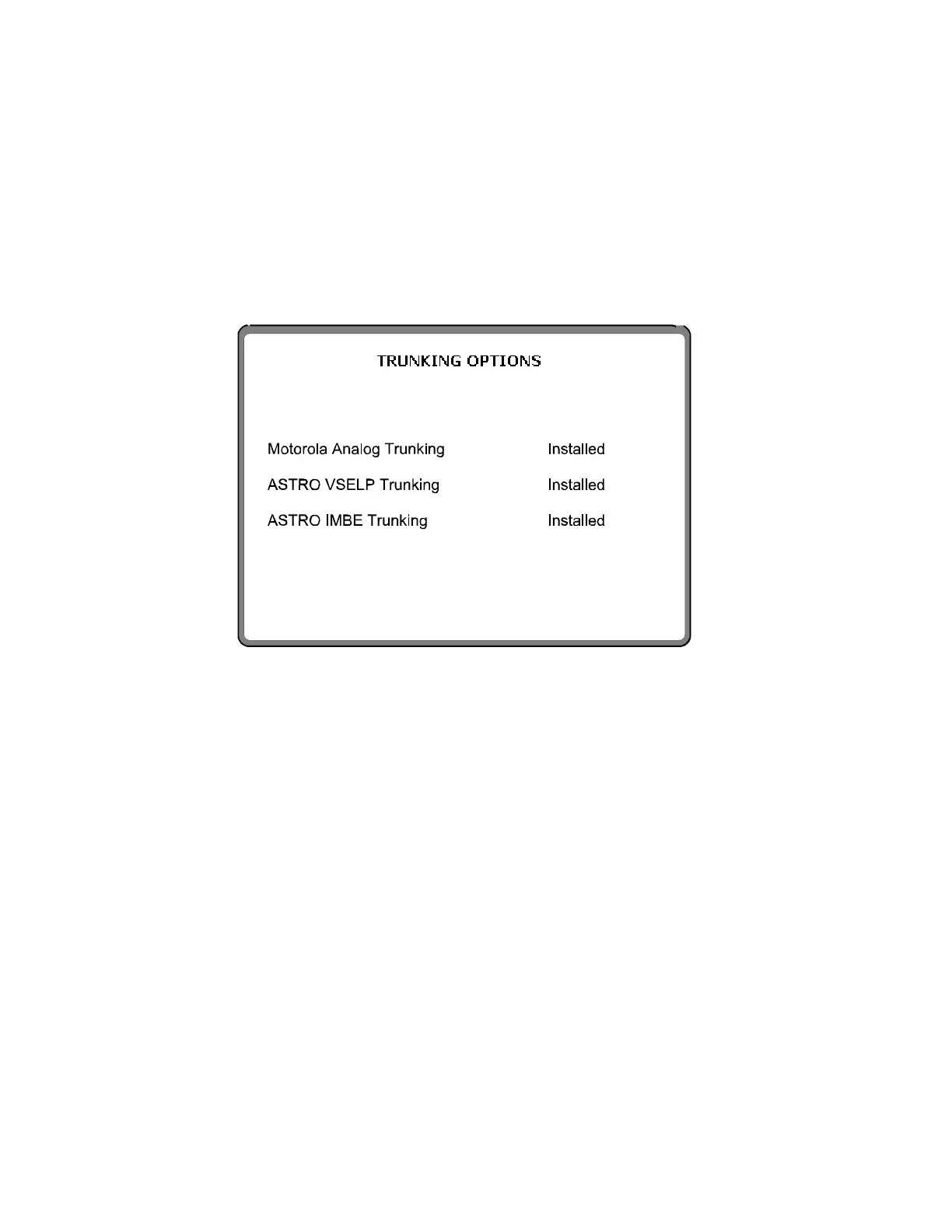
softkey. A screen similar to the following screen
will be displayed if the analyzer contains the
R2670 Astro Trunking Option.
NOTE
The Astro trunking option is only available if
the Motorola Analog Trunking Option is
installed.
Figure 9-2. Trunking Analyzer Option Screen
137


 To Next Page
 Loading...