Figure 22-2. Radio (BER Test Mode) BER Meter
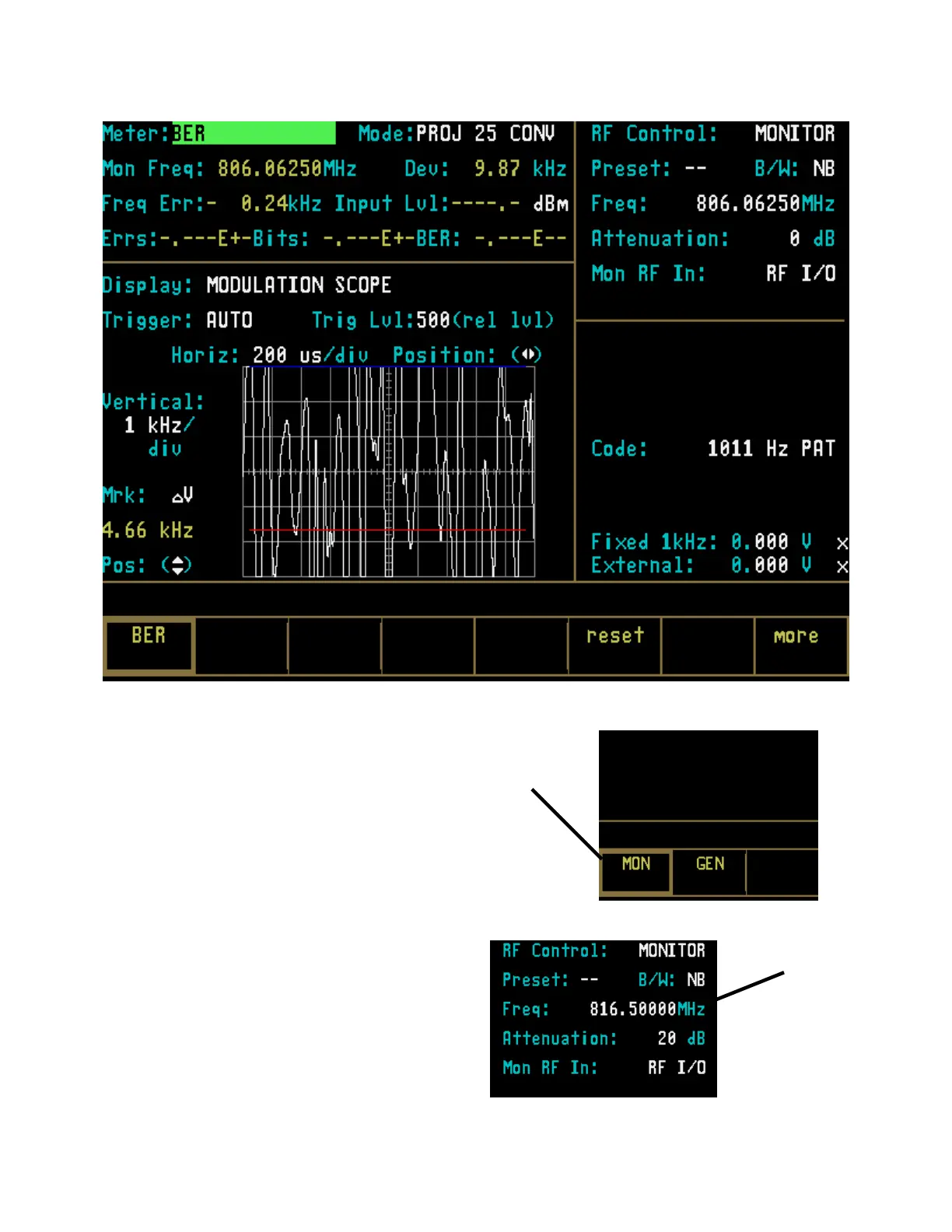
22-6 MONITORING RECEIVED AUDIO
WITH CLEAR SCOPE
This section of the manual contains information on
using the Clear Scope function to monitor an audio
signal that has been transmitted by a Project 25
radio and then recovered by the analyzer.
1. Place the cursor within the RF Zone in “RF
Control:” field. Press the MON softkey to
place the analyzer into its Monitor mode of
operation.
Monitor
Mode
Softkey
2. Within the RF Zone, set as follows:
Transmitter
Carrier
Frequency
285


 To Next Page
 Loading...