9-7.2 DISPLAY ZONE, RF ZONE, AND
AUDIO ZONE
Parameter selection is similar to Radio Initiated
Dispatch Test described in paragraph 9-6.1.
Announcement Calls
Radios in Astro systems monitor an
announcement talk group in addition to their
own talk group. If the operator is making an
announcement call to the radio, the
announcement talk group must be entered.
NOTE
SMARTZONE Auto Affiliation may be tested
in the system initiated call by selecting
SMARTZONE at the "Auto Aff:" field.
This will require power cycling the radio at
the start of each test as described in
paragraph 9-6.1.
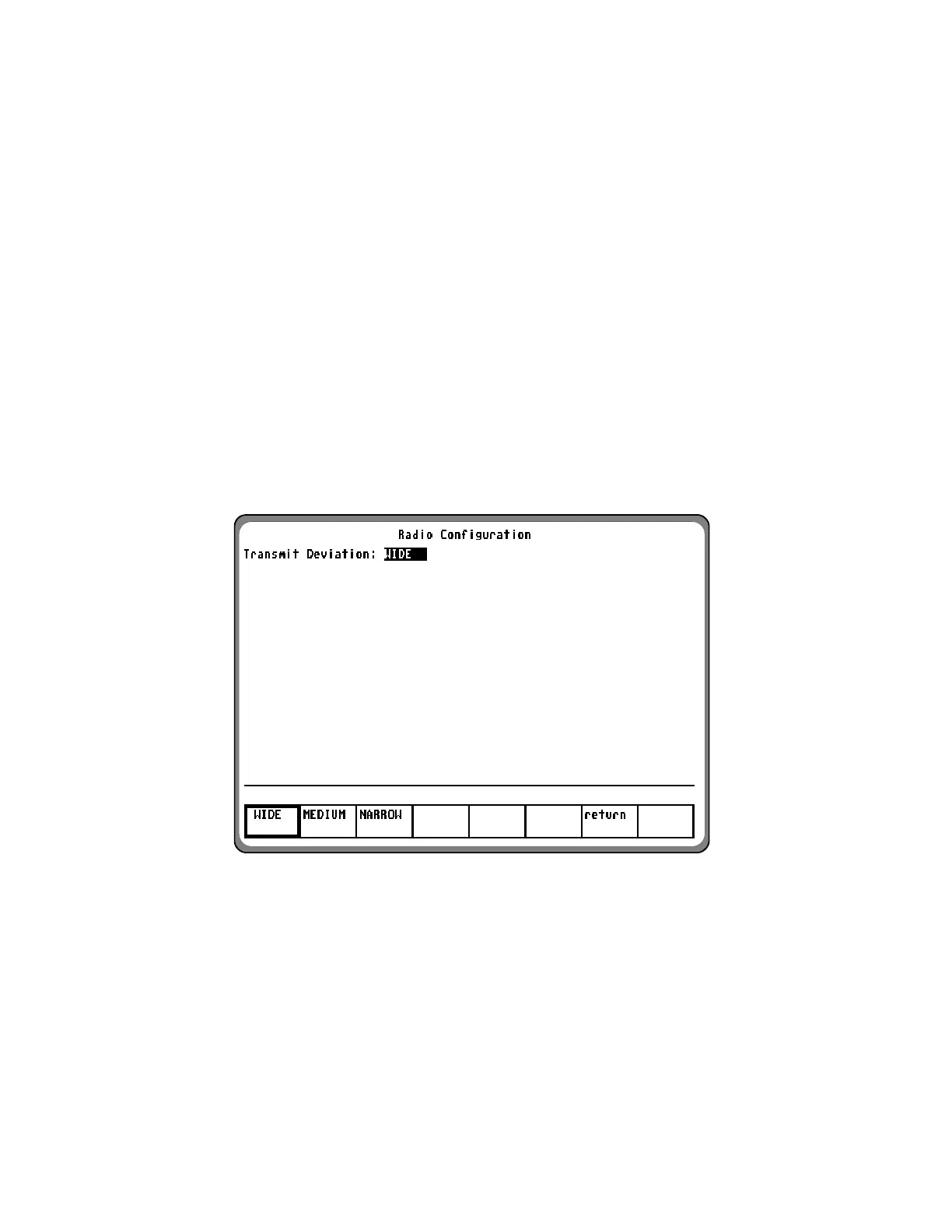
9-8 RADIO CONFIGURATION
Data displayed on the Radio Configuration
screen for Astro signaling includes only the
Control Channel Transm
it Deviation.
With the Trunk mode activated per paragraph
9-5, and "ASTRO VSELP" or “ASTRO IMBE”
selected in the "Sig Type:" field, place the
cursor in the "Meter:" field and press the RADIO
CONFIG
softkey. A screen similar to figure 9-6
appears.
Figure 9-6. Radio Configuration Screen-Astro
145


 To Next Page
 Loading...