Section 3: Programming Operator Manual
G1900™
© Genmega 2011
3.4
3.1.3 EPP KEYPAD
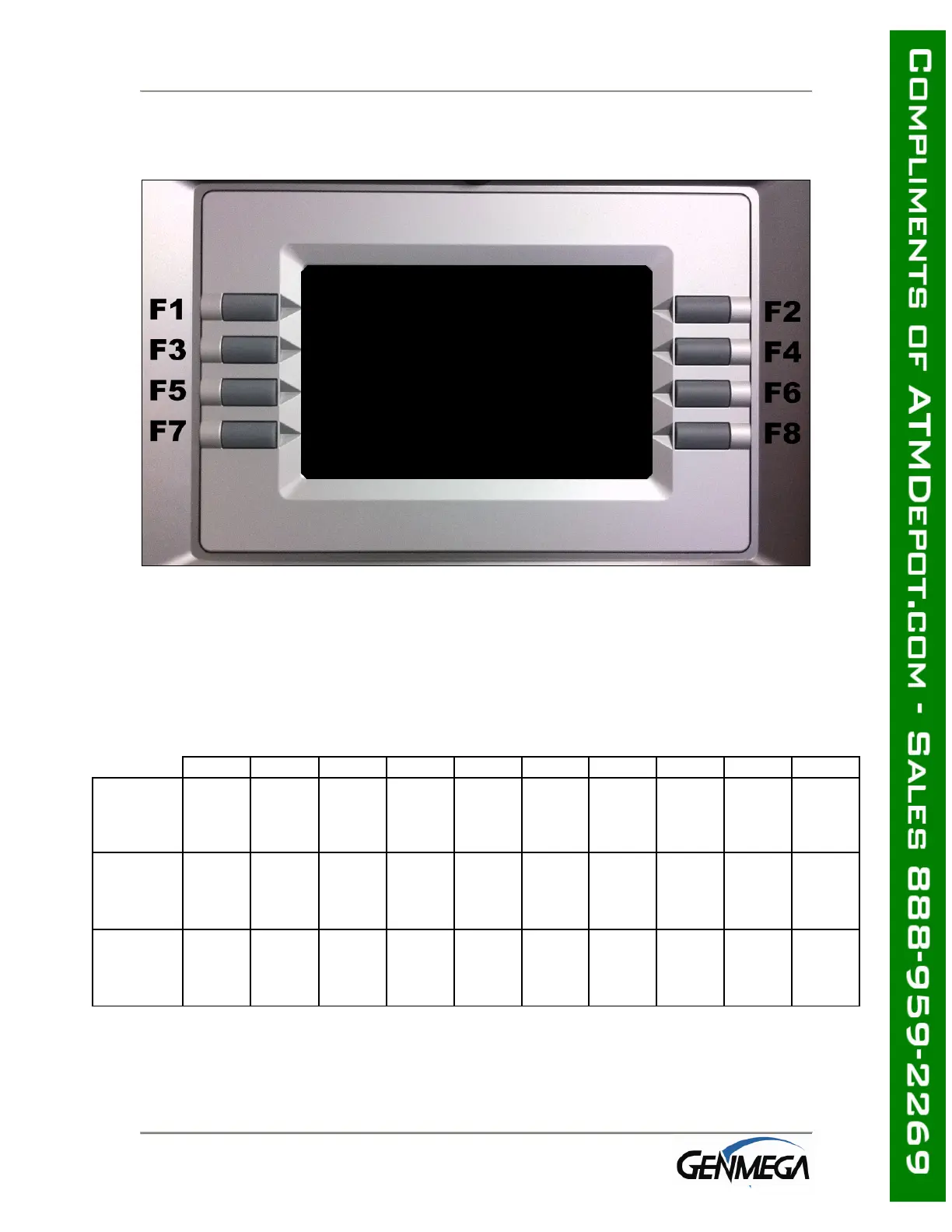
Genmega G1900™ LCD display Function Key layout
This keypad layout and table below will help while learning how to input text and
numbers while programming your Genmega ATM. When in a text entry screen, the
F1, F3 and F5 keys are used to switch character maps between upper and lower case
as well as special characters.
0 1 2 3 4 5 6 7 8 9
+ Space A D G J M P T W
- Q B E H K N R U X
F1
Alphabet
Upper
= Z C F I L O S V Y
+ Space a d g j m p t w
- q b e h k n r u x
F3
Alphabet
Lower
= z c f i l o s v y
0 1 2 3 4 5 6 7 8 9
( [ { < , ! ‘ % : ?
F5
Number
Special
) ] } > . $ “ * ; /



 To Next Page