Section 3: Programming Operator Manual
G1900™
© Genmega 2011
3.24
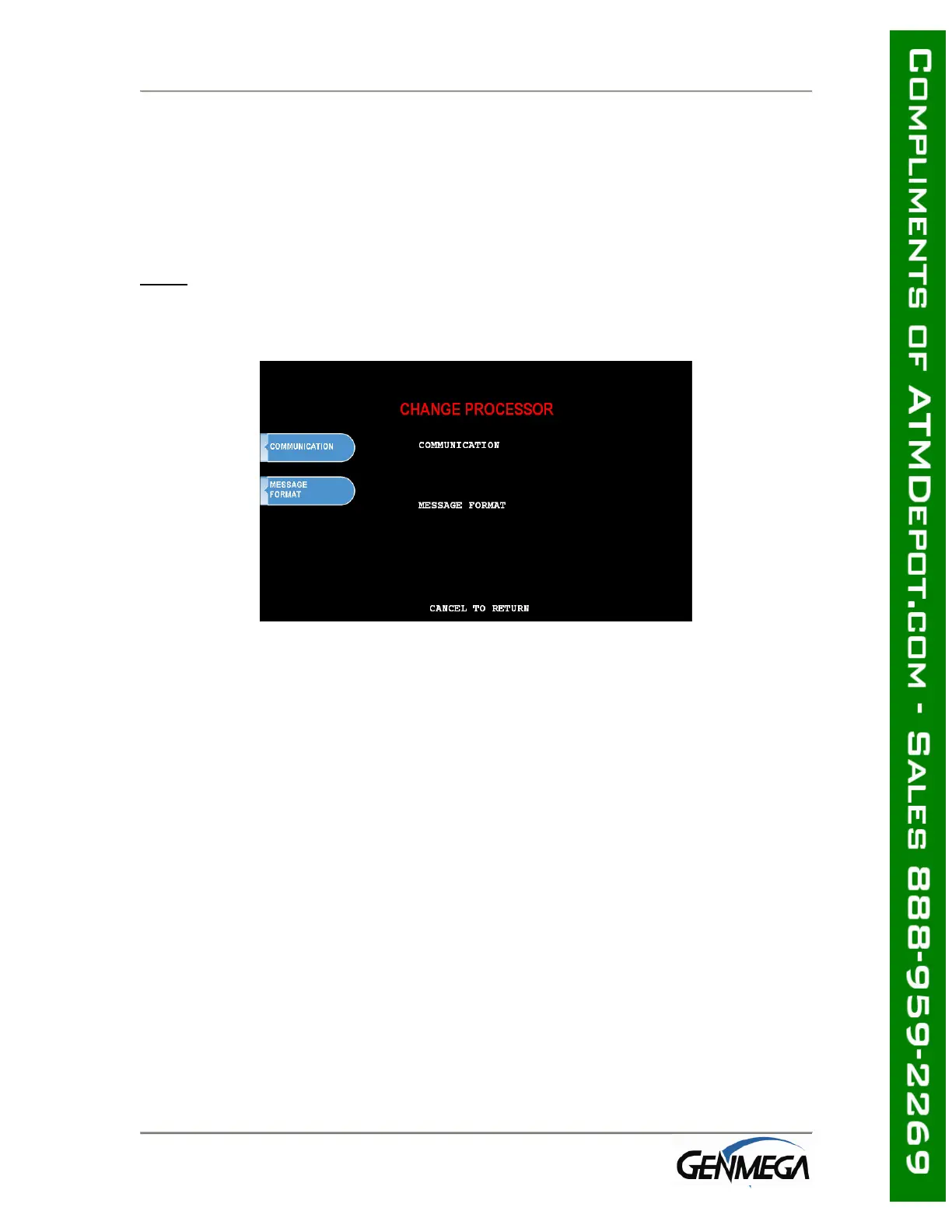
3.4.4 CHANGE PROCESSOR
Host Processor selection changes the communications protocol to specifically match
your particular processor. In most cases this is set at the factory when your
machine is ordered, however in the event that the machine needs to be
reprogrammed for a new processor, it may be necessary to change the processor
mode.
NOTE
: You do NOT need to clear NVRAM to access the Change Processor menu
To access the Host Processor mode, enter the Customer Setup menu using the
Master Password.
Communication modes are:
Modem – dial up (uses on board modem)
TCP/IP – Standard TCP/IP
VISA FRAME TCPIP
ACK CONTROLLED TCPIP
SSL PASS THROUGH
SSL LENGTH PREFIX W/O ETX
SSL LENGTH PREFIX WITH ETX
** See page 3.31 for TCP/IP Setup Instructions **
Use the Message Format button to select the appropriate Host Processing Mode.
Available formats are:
Standard 1
Standard 2 (CSP200 Emulation)
Standard 3 (Extended Message)
EPS
If Standard 3 is selected, you’ll see a Standard 3 Options button which will give
access to the Extended Messaging options.
Contact your distributor or processor for which mode is appropriate.



 To Next Page