Section 3: Programming Operator Manual
G1900™
© Genmega 2011
3.25
3.4.5 SURCHARGE MODE
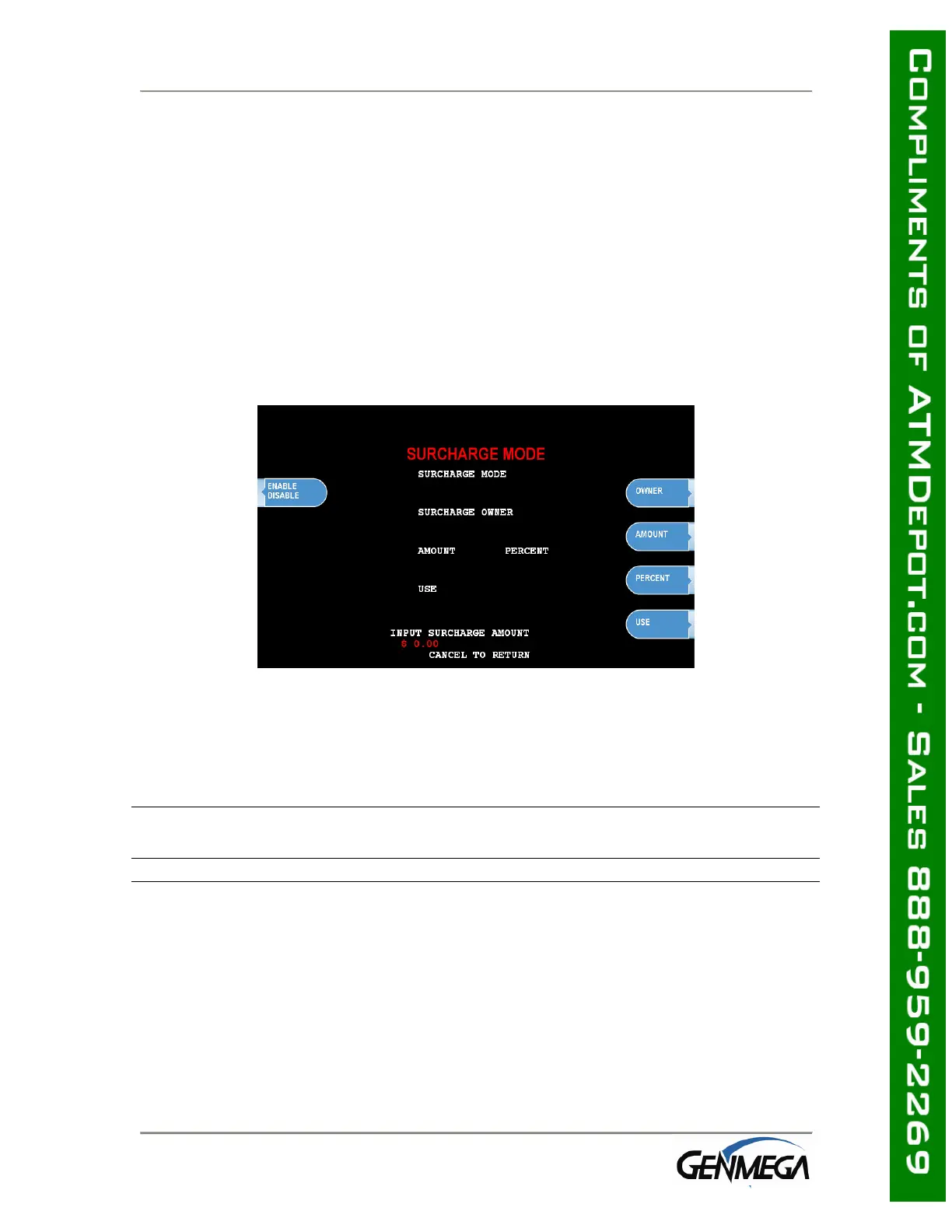
The Surcharge menu displays the current rate at which customers are charged per
transaction, the person or account that the surcharge funds are sent to and whether
or not the option to surcharge is enabled or disabled. The information programmed
here must match the information given to the processor at the time the account was
created. Because of features like Percentage Surcharge that require the surcharge
value to be set at the ATM, it’s possible for the ATM to override what the processor
expects to surcharge (or not surcharge customers at all) if these settings are not
correct.
Please review the following setting carefully and instruct your operators on the risks
involved in changing surcharge settings.
To set the surcharge parameters begin by entering the Surcharge Mode menu from
the Customer Setup menu. The bottom of the screen displays the current status of
each surcharge parameter.
DISABLE/ENABLE
This button toggles the surcharge option on and off.
AMOUNT
To set the surcharge amount, press the amount button and type the dollar amount
using the main keypad. Next set the decimal point using the Enter key on the
keypad. Then type the cents using the keypad and finally press Enter to finish.



 To Next Page