Section 4: Operation Operator Manual
G1900™
© Genmega 2011
4.2
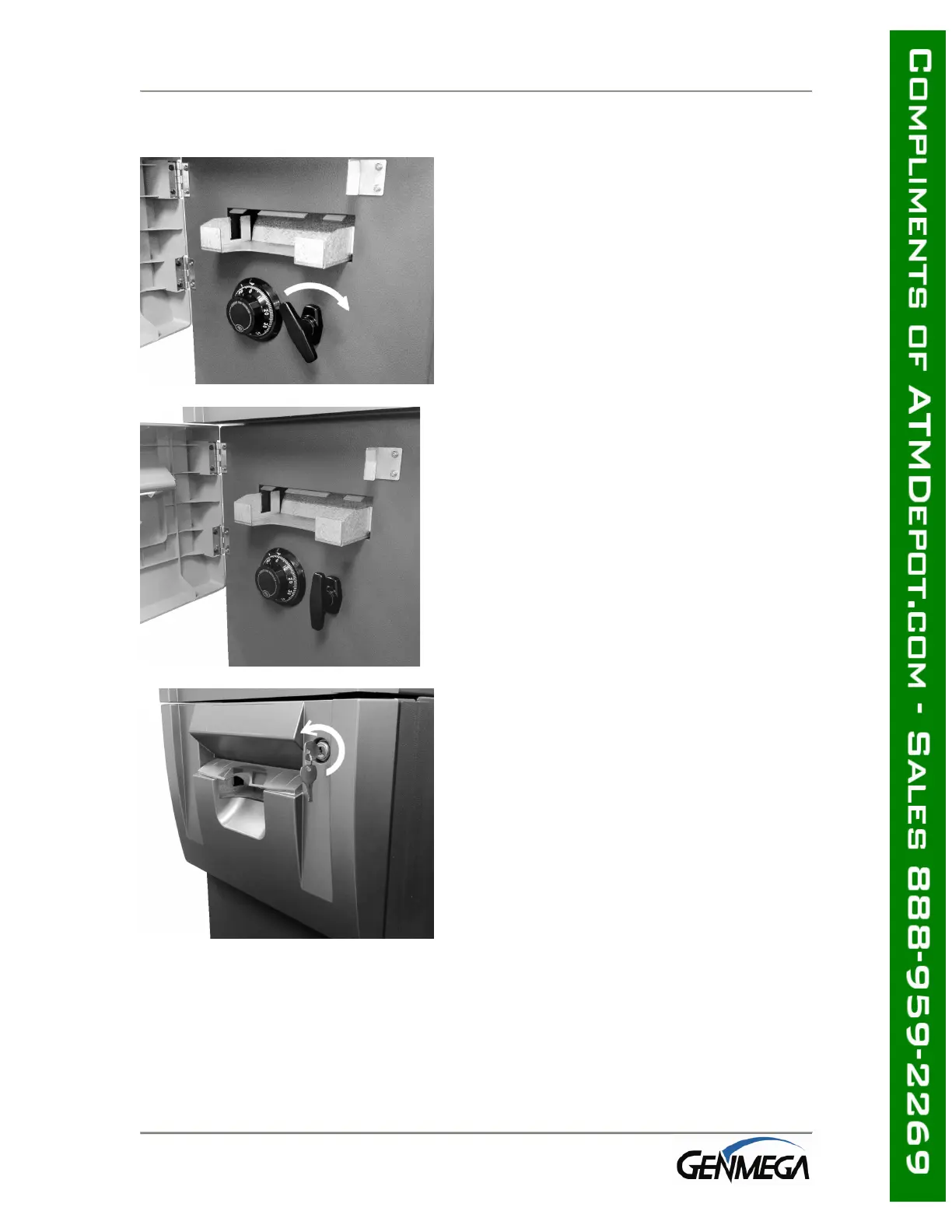
4.1.2 Closing the Security Door
Step 1
With the security door handle turned
counter-clockwise, close the security door
and turn the security door handle clockwise
until it is locked. The electronic lock
mechanism will lock itself once the T-handle
has returned to its vertical position. The dial
combination lock must be turned counter-
clockwise to lock.
Step 2
Check the T-handle to make sure the lock has
locked itself.
Step 3
With the security cover key turned clockwise,
close the security cover and urn the security
cover key counter-clockwise until locked.
Remove the key when it is locked.



 To Next Page