Section 3: Programming Operator Manual
G1900™
© Genmega 2011
3.13
3.3.2 OPTIONAL LANGUAGES
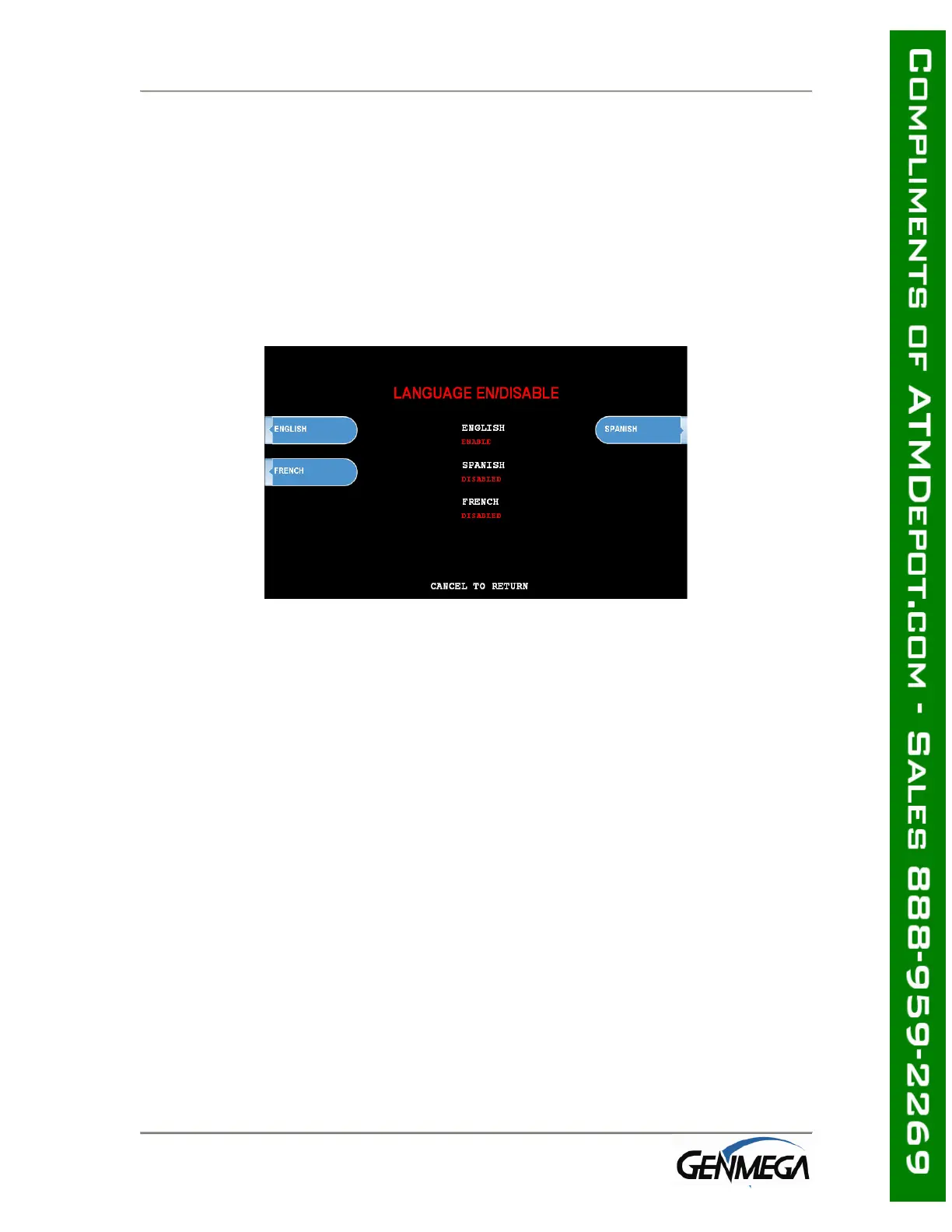
The Genmega G1900™ ATM supports 3 on screen languages: English, French &
Spanish. The optional languages will display on the welcome screen, then the
customer will be prompted to choose a language to be used for the rest of that
transaction.
NOTE: The optional languages are displayed on screen only and do not print on the
receipt or journal. Receipts, journals and operator menus are always in English. To
enable or disable a language, simply press the button next to the language you wish
to change.



 To Next Page