Section 3: Programming Operator Manual
G1900™
© Genmega 2011
3.33
TCPIP Troubleshooting
When trying to connect your ATM to the internet, there are two error codes which
can occur.
2511 – This means that the ATM sent a request, however nothing responded.
Typically this means the ATM cannot get out on the internet.
To test this, we suggest replacing the Host IP number with one from a common
public website like Google [74.125.224.50] or Yahoo [98.137.149.56]
Those IP addresses will allow pinging. So after entering it, you can go to the ‘Ping to
Host’ button in the TCPIP setup menu and check that you can ping google or yahoo.
If you are unable to ping those sites, the ATM cannot see the internet.
DSL Modems – some ‘cheap’ DSL modems will not allow the ATM to use DHCP and
obtain an IP address, even though other computers or devices can. This is usually
shown in the ATM TCPIP Setup Menu, where the Gateway value is 0.0.0.0. If this
occurs, you will need to get a broadband router to place in between the ATM and the
DSL modem. This will allow the ATM to get an IP address from the router, rather
than the DSL modem.
2514 – This means that the ATM sent a message and received an unexpected or
incorrect response. Typically this means that one or more settings on the ATM are
incorrect and should be compared against what the processor is expecting.
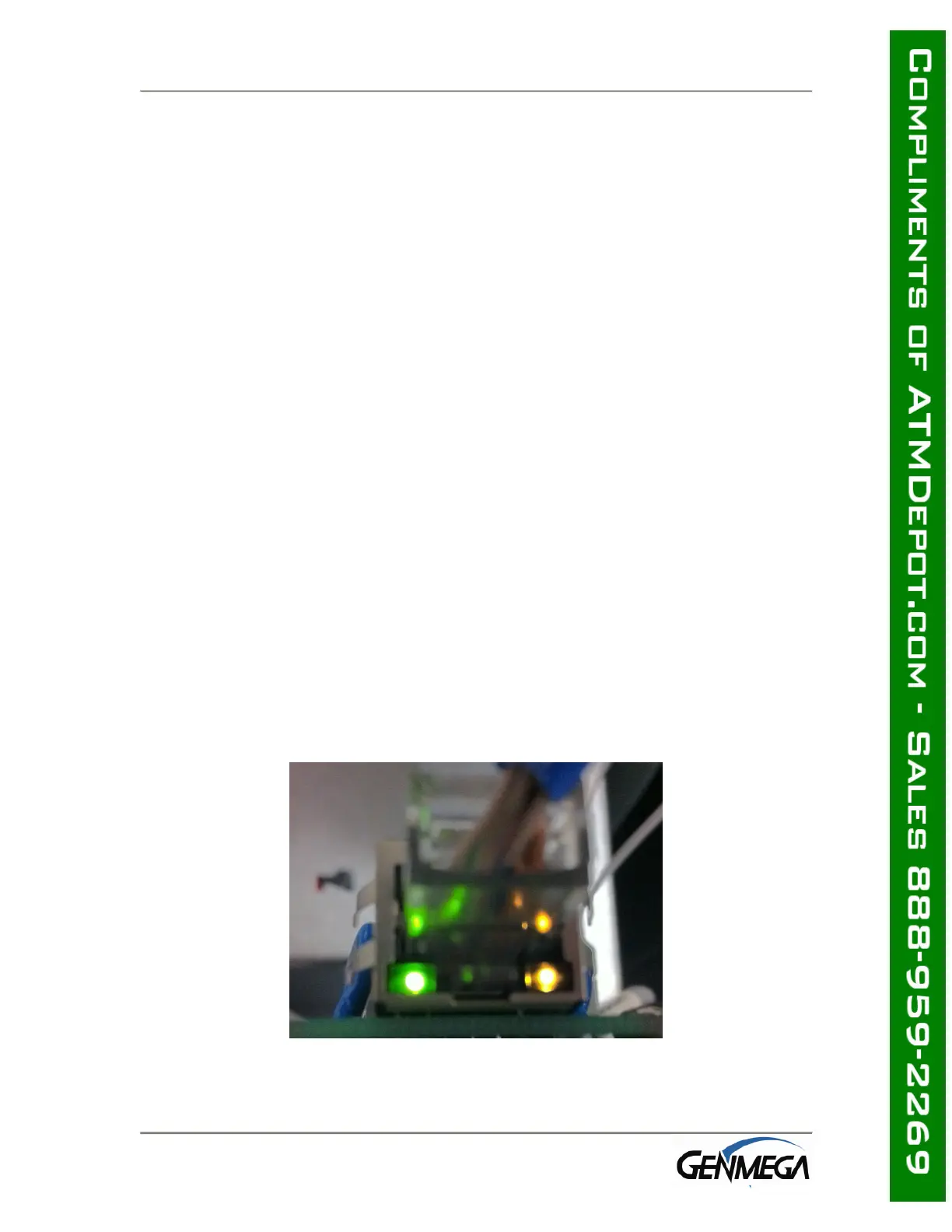
Network Cable:
When you connect the internet (Ethernet) cable to the ATM you should see a steady
link-light (green) on the and also a flashing data-light (amber) as shown below.
Make sure you use a network ‘patch’ cable and not a ‘cross-over’ cable.



 To Next Page