Section 3: Programming Operator Manual
G1900™
© Genmega 2011
3.27
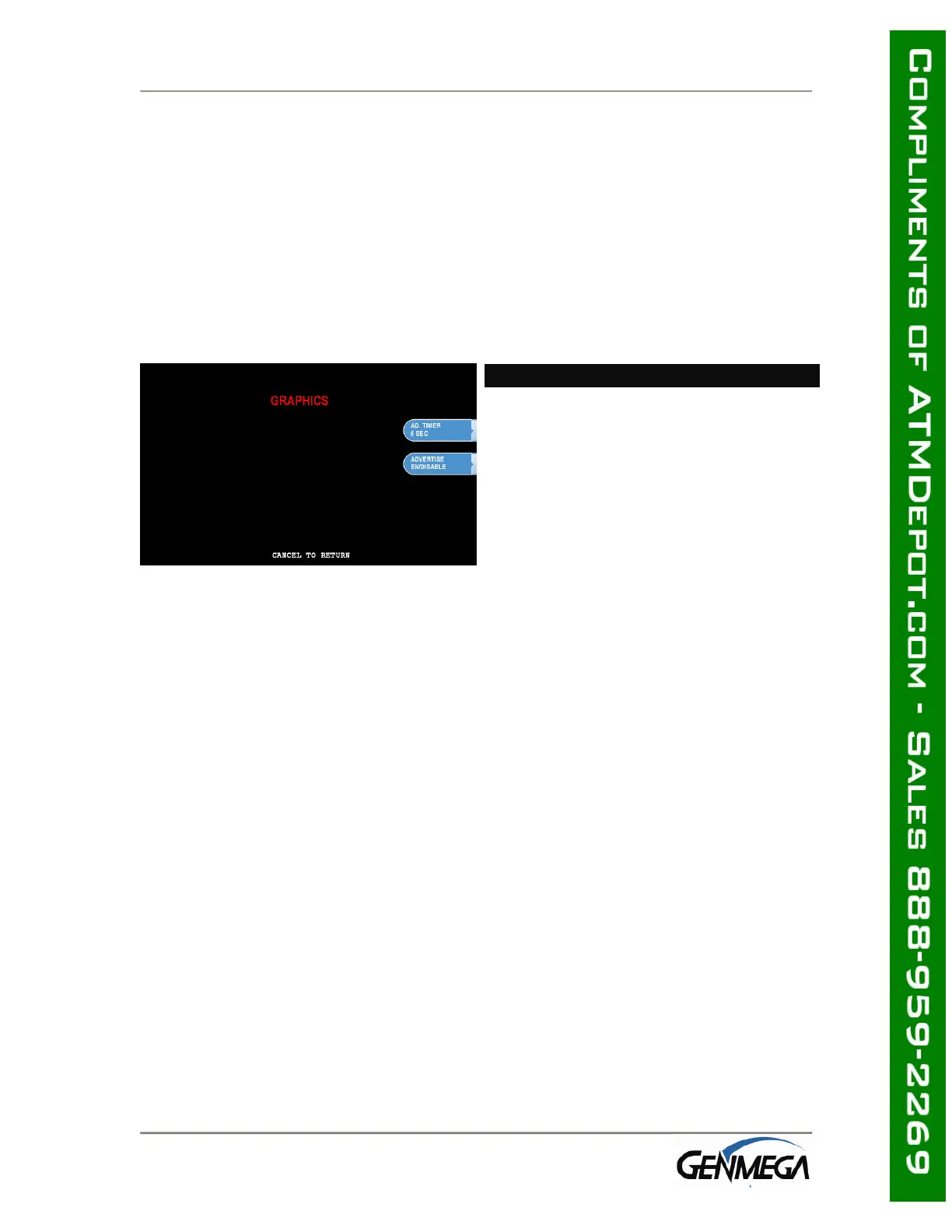
3.4.6 GRAPHICS
The Genmega G1900™ is capable of displaying up to 8 customized graphic screens.
These graphic files are created on a computer and then downloaded into the ATM
either directly at the ATM using a SDRAM card or by using the Genmega Remote
Management Software (RMS). When the advertisements are loaded and enabled
they will rotate in order while the ATM is waiting for a transaction and also while the
transaction is processing. There is a timer, which allows you to set a delay before
switching to the next graphic screen. Please see Appendix D at the end of this
manual for detailed instructions for creating advertisements.
Step 1
Enter the Graphics menu and choose
“Advertise” enable or disable each
loaded graphic.



 To Next Page