Section 2: Installation Operator Manual
G1900™
© Genmega 2011 2.2
Step 4
Open the vault door bezel with the key provided. See page 4.1 for Opening and
Closing instructions.
Step 5
Using the supplied combination (see lock manual for default combination), open the
Vault door. The default combination should be changed as soon as possible. Refer to
page 4.5 (dial) or 4.7 (electronic) for instructions on opening or changing the lock.
2.1.3 HARDWARE SETUP
Step 1
Verify the incoming power voltage (115/220V) for your
location and check the switch on the power supply of
the ATM (should be defaulted to 115V)
Step 2
Verify that the telephone line or internet connection for the ATM is in proper working
order. Make sure there is no voicemail on the line (pulse noise when you first lift the
receiver). NOTE – Digital phones lines are not supported by this ATM.
Step 3
Open the security door. See page 4.1 for assistance.
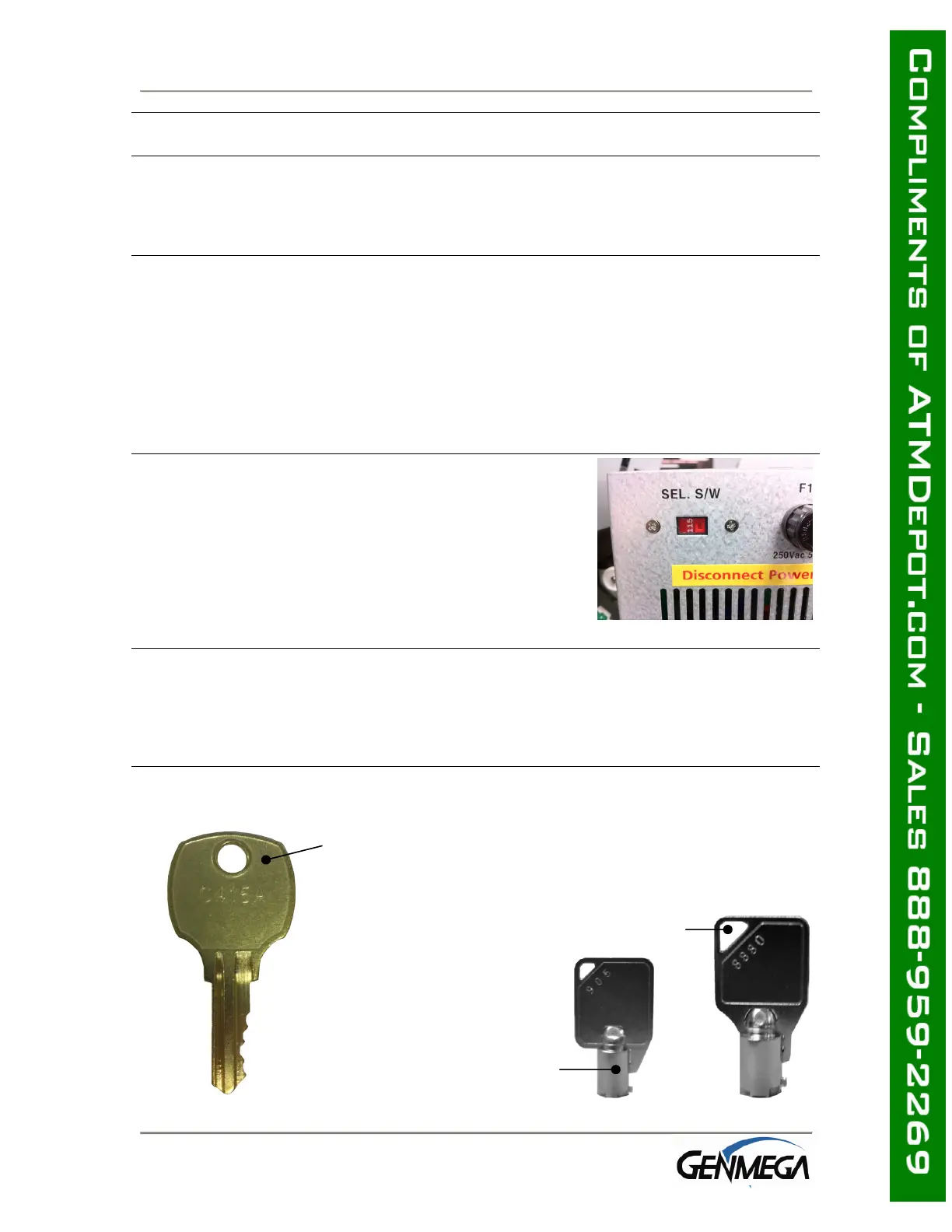
Use this key (2 included) to
open the top and bottom bezels
Cassette key
(fixed cassette)
Cassette key
(removable cassette)



 To Next Page