Section 4: Operation Operator Manual
G1900™
© Genmega 2011
4.14
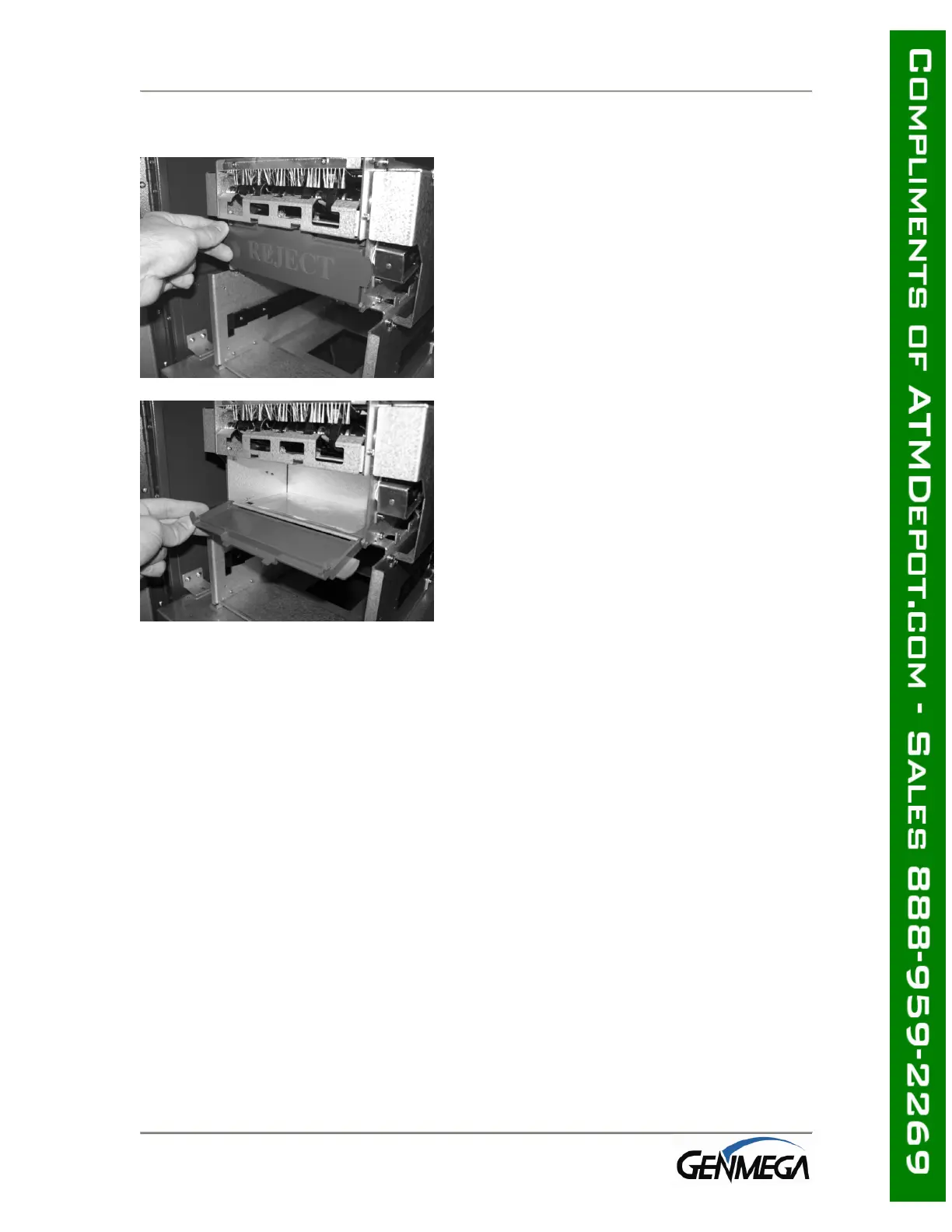
4.2.4 Emptying the Reject Bin
Step 1
To open the reject bin, pull back on the tabs
located on the sides of the reject bin door.
Step 2
Remove any notes found in the reject bin and
close the door by pressing it shut.
Remember to include the number of bills
found in the reject bin when settling the
cassette.



 To Next Page