Section 4: Operation Operator Manual
G1900™
© Genmega 2011
4.1
OPERATION
4.1 OPENING AND CLOSING
4.1.1 Opening the Security Door
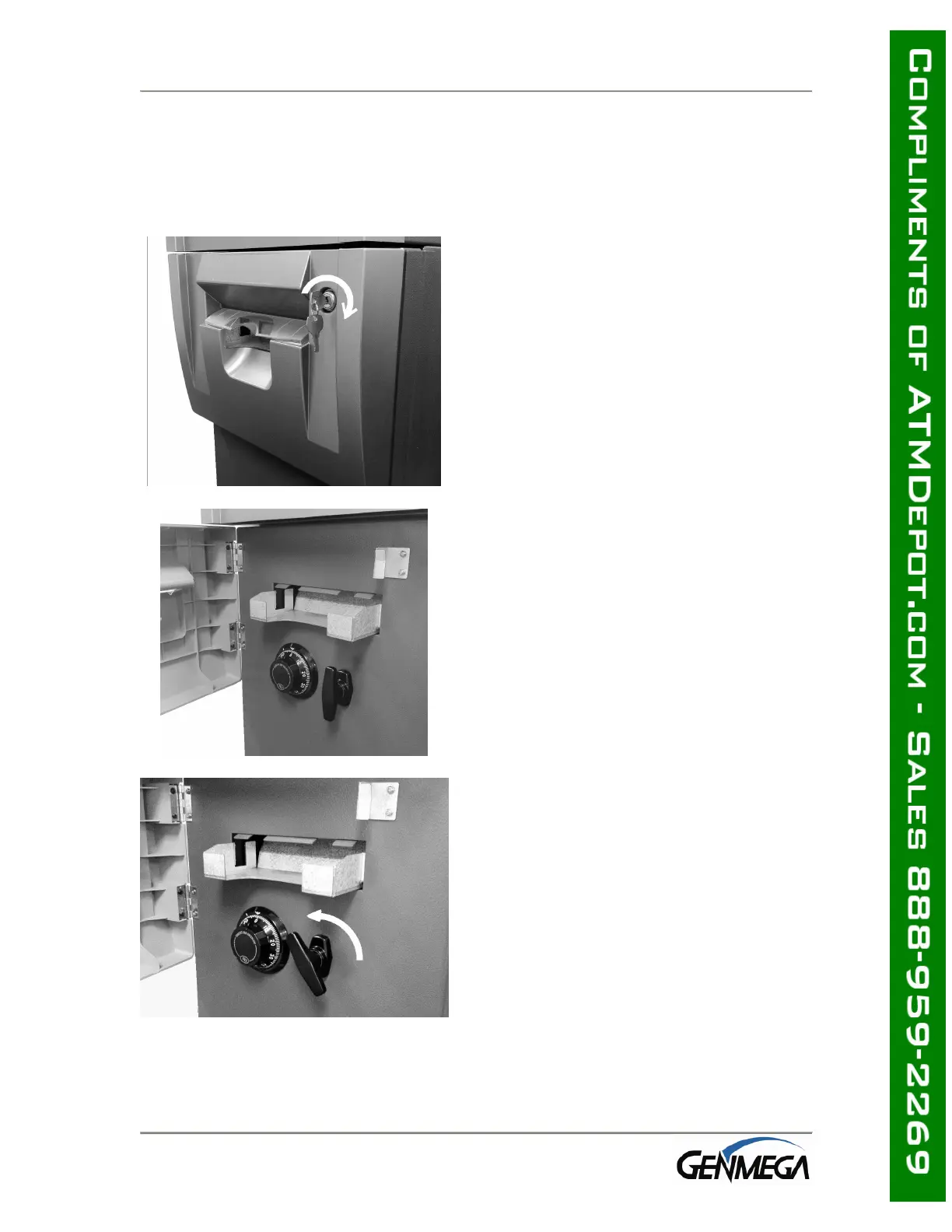
Step 1
Turn the vault bezel key clockwise to open
the lower vault bezel. The key will remain
in the lock after you turn it.
Step 2
To unlock the Dial or optional Electronic
Lock (see the manufacturers lock manual
included in the open me first box for default
combination) and then refer to Section
4.1.6 for lock instructions
Step 3
Turn the security Door Handle counter-
clockwise; then pull the security door to
open.



 To Next Page