Appendix D: Graphics Installation Operator Manual
G1900™
© Genmega 2011
D.1
APPENDIX D: Custom Screen Graphics
Advertisement screens can be loaded to the Genmega G1900™ machine
either using a SDRAM card (at the ATM) or by using remote monitoring
software (to load remotely). Please see below for basic file format
specifications and instructions for use with a SDRAM card.
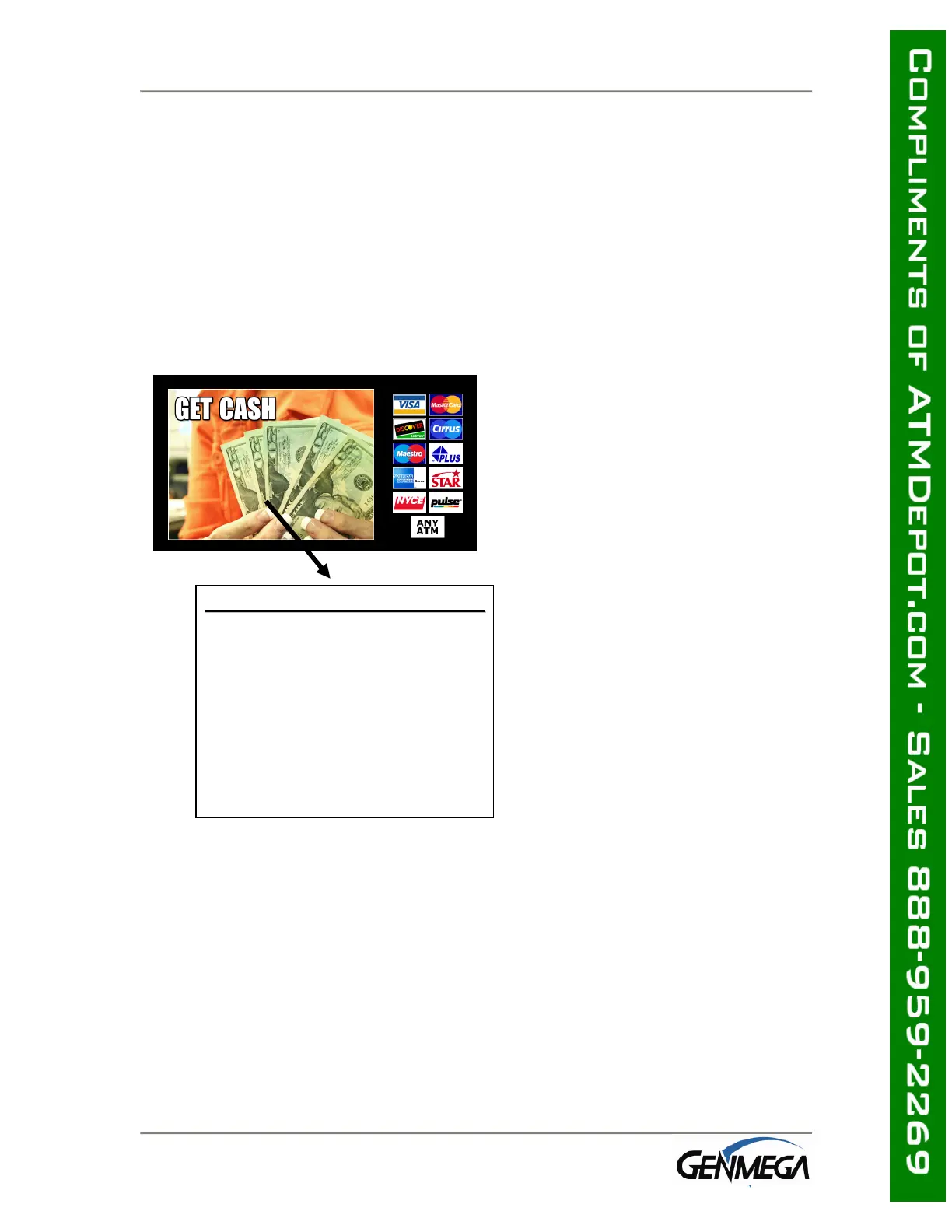
You can have up to 8 center graphic files and must be named as followed:
center1.bmp, center2.bmp, and so on up to center8.bmp
• DO NOT use more than 256 colors when creating the graphic images.
The G1900™ was designed to use graphics of that format for
efficiency and best performance*
WELCOME
C
C
e
e
n
n
t
t
e
e
r
r
A
A
d
d
v
v
e
e
r
r
t
t
i
i
s
s
e
e
m
m
e
e
n
n
t
t
G
G
r
r
a
a
p
p
h
h
i
i
c
c
Width : 422 Pixels
Height : 309 Pixels
File Name
center1.bmp
center2.bmp
…..
center8.bmp (default on)
File Size : 204,888 BYTES
bmp File Format
: 8bit (256 colors) BMP
: No Compression



 To Next Page