Section 3: Programming Operator Manual
G1900™
© Genmega 2011
3.1
PROGRAMMING
3.1 INITIAL SETUP
3.1.1 ACCESSING THE OPERATOR FUNCTION
To access the Operator Menu, you do not need to hold down the 3 keys (CANCEL,
CLEAR, ENTER) and then press 1 – 2 – 3. Just press the following keys in order
[ENTER] – [CLEAR] – [CANCEL] – [1] – [2] – [3].
Note: The Operator Function menu can only be accessed when the machine is either
in service (“insert your card” screen) or out of service. If the machine is attempting
to connect to the host or initializing, you will not be able to use the key commands to
access the Operator Function Menu.
If you have difficulty accessing the Operator Menu, power off the ATM and then
either open the vault door or remove the paper from the printer and power back on.
This will force the ATM to the Operator Menu.
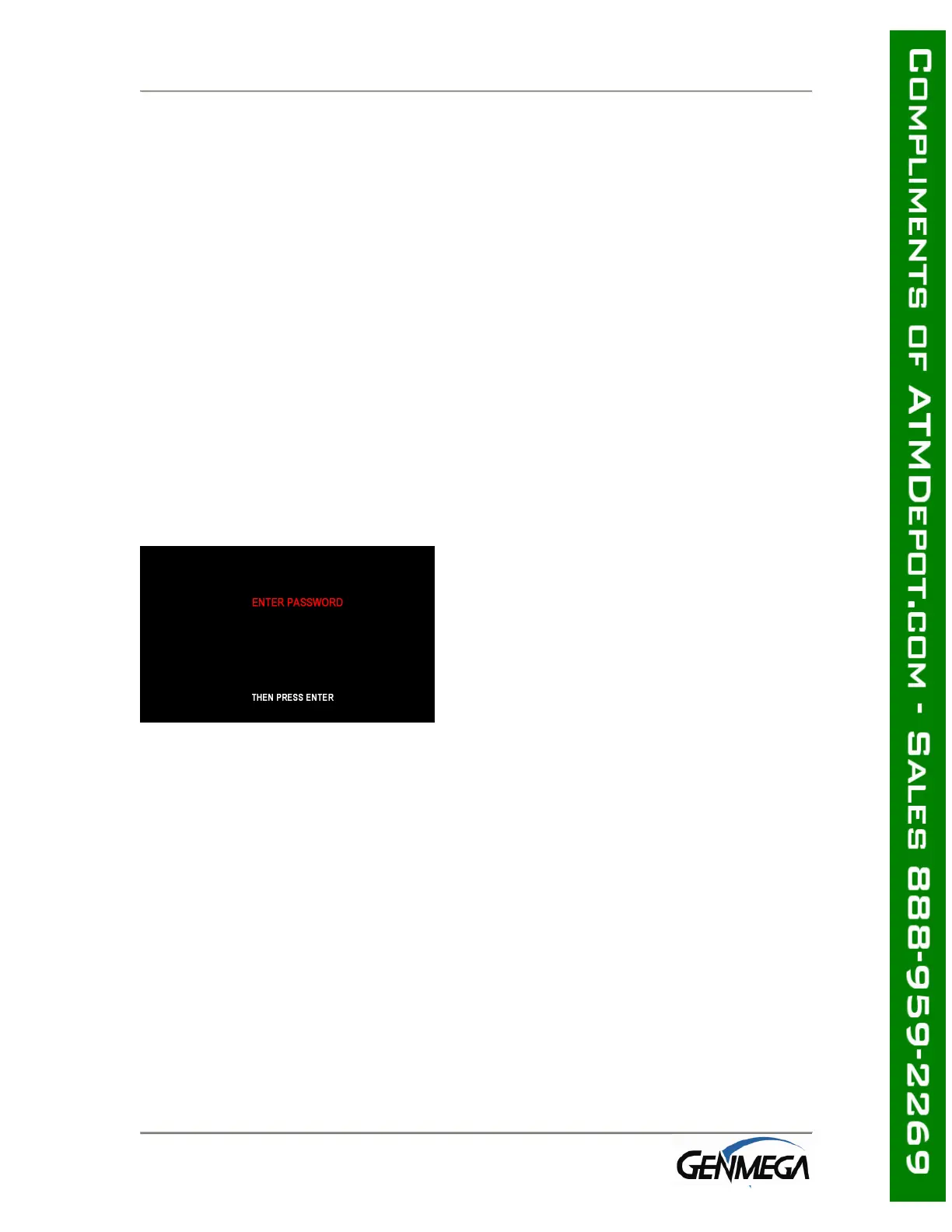
Once you successfully completed the key
combination, you will be prompted to enter a
password. There are 3 levels of passwords.
• Operator Password (allows access to basic
menu structure)
• Service Password (allows access to basic
and diagnostic menus)
• Master Password (allows access to all
menus including setup parameters)
You must press ENTER key after typing
the password!
Passwords are very important to maintaining
security for your ATM. Your
dealer/distributor will provide you with
default password information.
WARNING: Genmega highly recommends changing your passwords from default as
soon as possible. Keep all passwords safe and restrict access to non-authorized
personnel.
Passwords MUST be 6 digits in length, use of anything other than a 6 digit password
may cause the passwords to revert back to factory default.



 To Next Page