Section 3: Programming Operator Manual
G1900™
© Genmega 2011
3.17
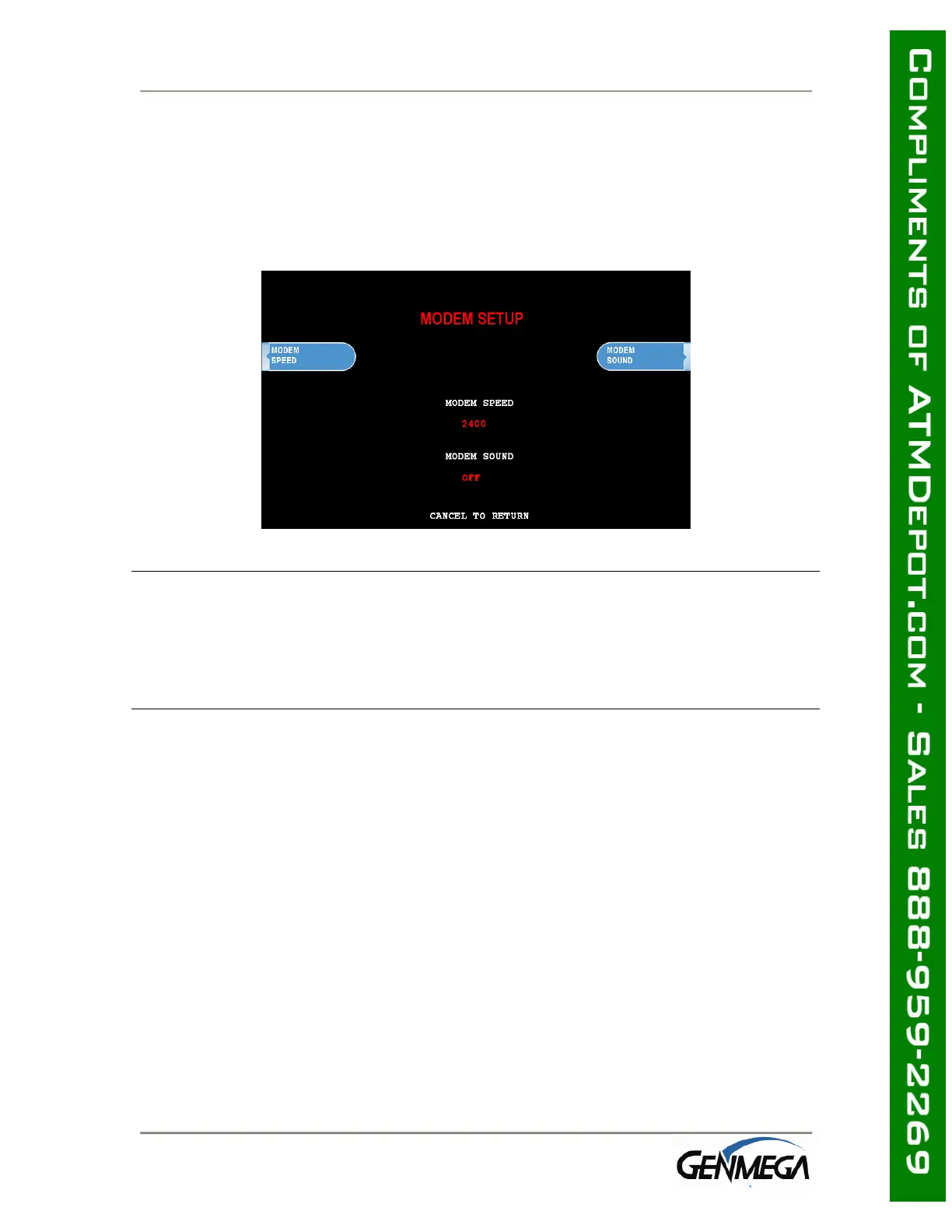
3.3.6.2 MODEM SETUP
The Genmega G1900™ series use an onboard 56K modem. The modem is preset at
the factory for optimal use. Changing these settings can cause your machine to not
communicate or may slow communication speeds. Do not make changes to the
modem settings.
MODEM SPEED
This sets the speed at which the modem will begin communication with the host.
The default speed is 2400. Most processors are only using 2400 baud modems, so
setting this value higher may not increase modem performance.
Available settings : 1200, 2400
MODEM SOUND
This will allow the modem to output its dial-out and handshaking through the
external speaker. This is useful when testing the modem to hear if it’s dialing
properly.
Available setting: OFF , ON
3.3.6.3 MCR (Card Reader) SETUP
The Genmega G1900™ can be equipped with an optional EMV compliant card reader.
If the setting is not correct, the card reader will not work at all. After setting the
MCR to the appropriate type reader, back out of the menus and then reboot the
machine for the changes to take effect. Since these different card readers use
alternate ways to communicate, it’s necessary to reboot.



 To Next Page