Section 3: Programming Operator Manual
G1900™
© Genmega 2011
3.20
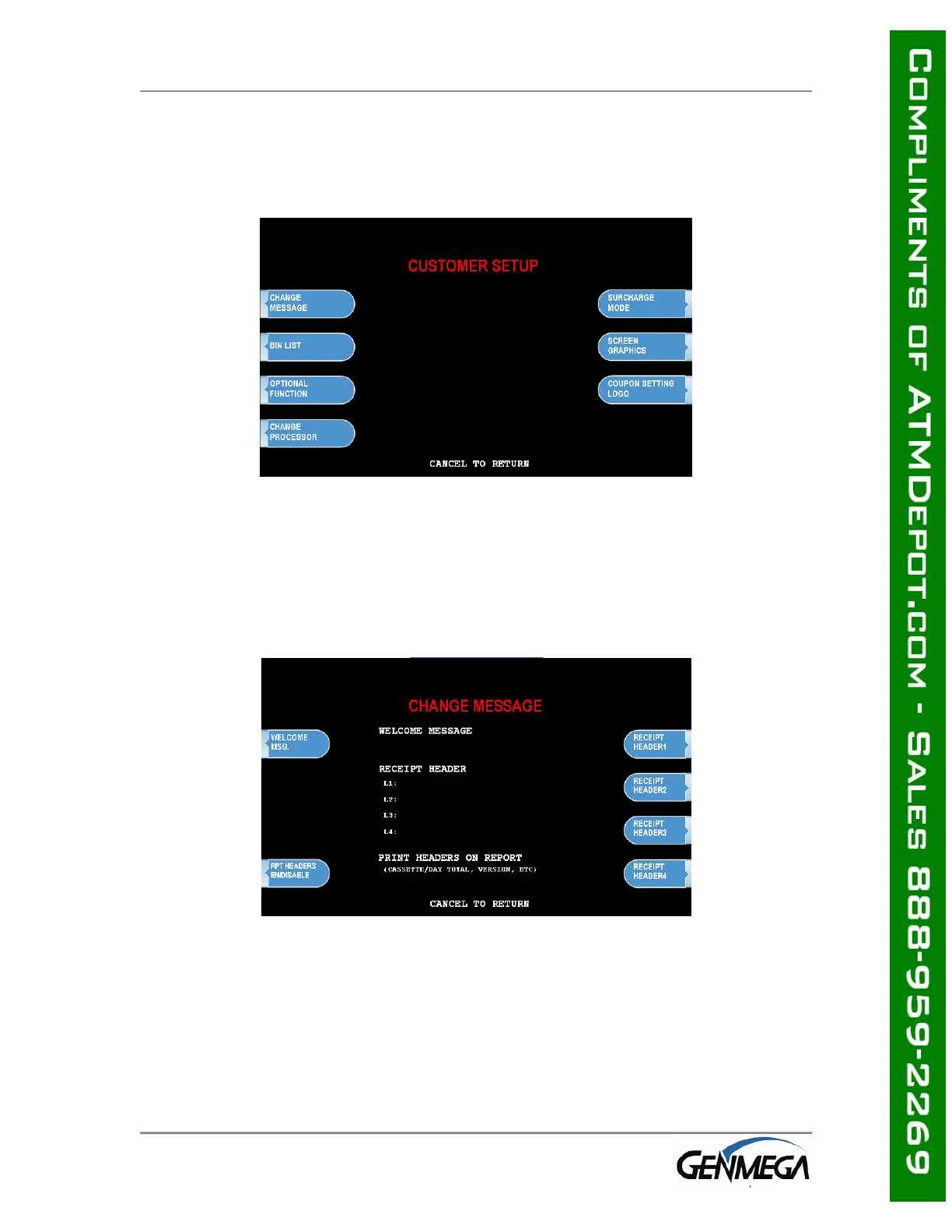
3.4 CUSTOMER SETUP MENU
The Customer Setup menu controls surcharge information, BIN lists, receipt options,
advertisements and keypad lighting.
3.4.1 CHANGE MESSAGE
The Messaging options for the ATM are a welcome message and a receipt header
message. The Welcome message allows line of 35 characters, which will appear at
the top of the main screen (above the center graphic). The receipt header is up to 4
lines of 25 characters, which will appear at the top of each receipt.



 To Next Page