Section 3: Programming Operator Manual
G1900™
© Genmega 2011
3.5
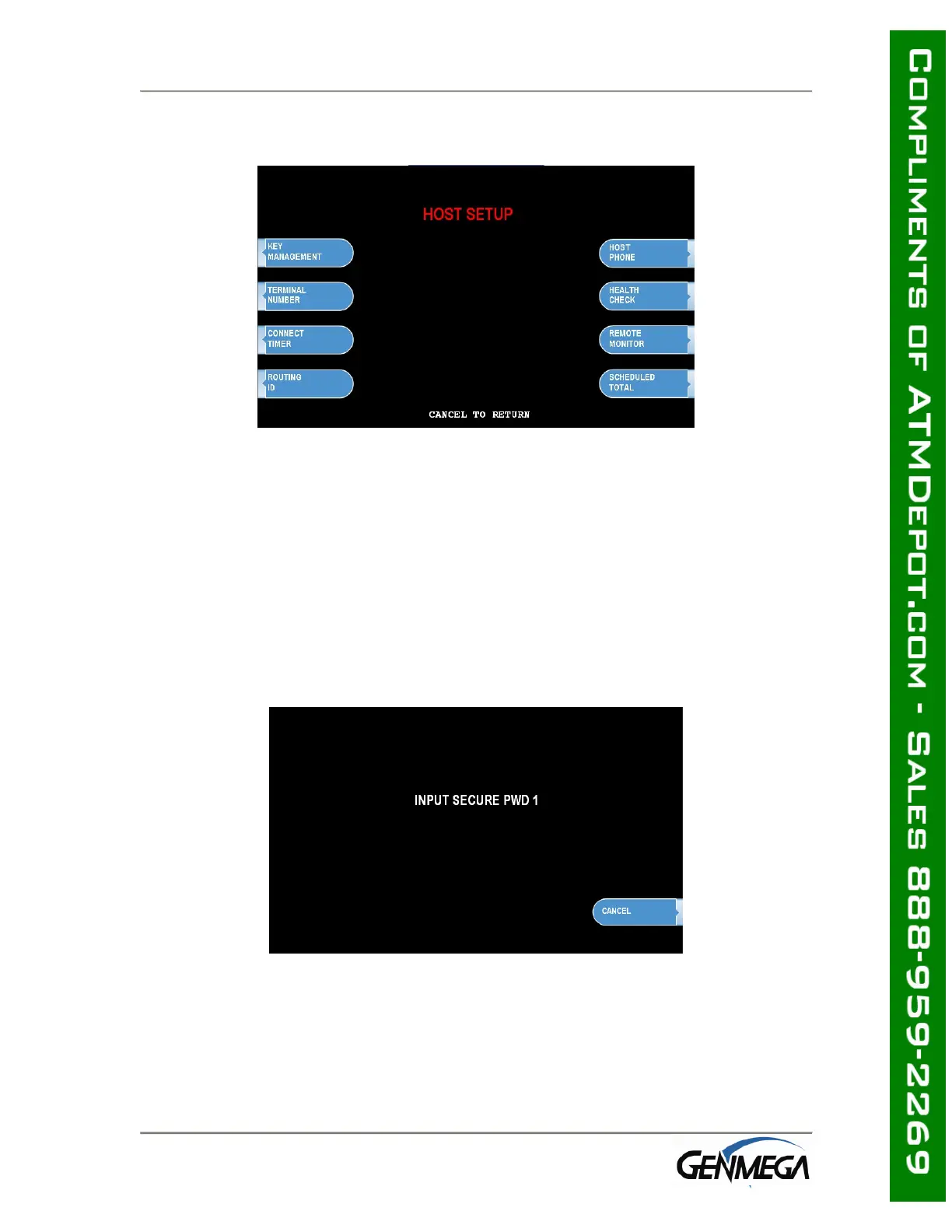
3.2 HOST SETUP
The Host Setup menu provides access to the parameters necessary to connect the
ATM to the processor. Master Password is required to access most of these options;
however Service password allows basic access for troubleshooting purposes.
3.2.1 KEY MANAGEMENT
Access to Key Management requires entering a “Secure Mode” which engages
additional security measures (per VISA specification) to prevent Master Key
tampering. Make note of these changes as it does affect how keys are entered.
Entering Key Management requires two 6-digit passwords. By default these will be
“000000” for part #1 and “000000” for part #2.
If a mistake is made entering the “Secure Mode” password, you will be prompted to
wait 30 seconds to reattempt.
NOTE: In compliance with PCI specifications, you must change the Secure Mode
Passwords from default before any Master Keys can be entered. After changing the
Secure Mode Passwords, you must exit completely from the Operator Menu, and
reboot the machine. After this step, you can enter Master Keys.



 To Next Page