Section 3: Programming Operator Manual
G1900™
© Genmega 2011
3.26
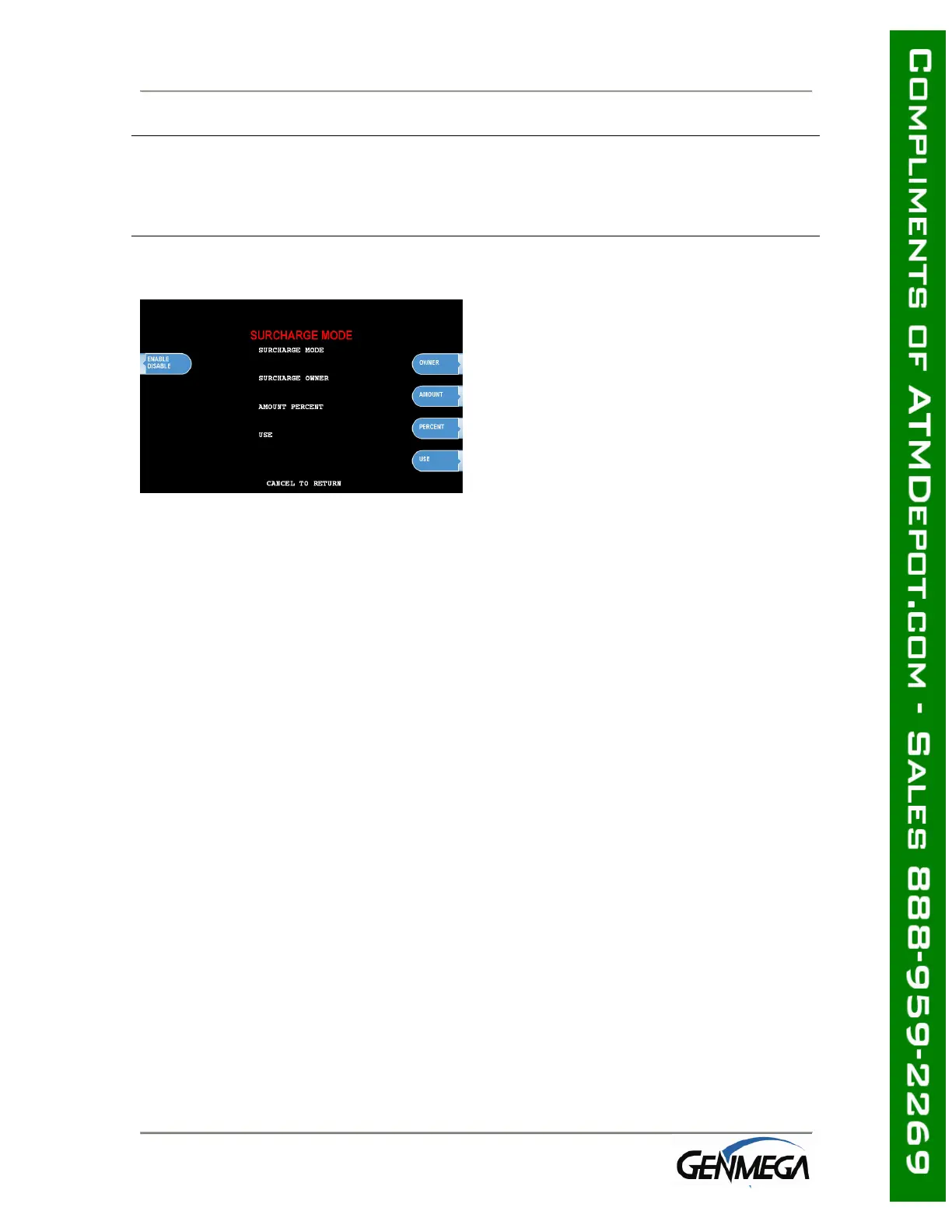
PERCENT
This allows you to set the surcharge amount as a percentage of the overall amount
the customer is withdrawing per transaction. Check with your processor to make
sure that they support this function.
SURCHARGE OWNER
The surcharge owner can be up to 25
characters long. This owner name will
appear at the bottom of each transaction
receipt.
WARNING: If you set the percentage surcharge mode from ‘Greater’ to ‘Lesser’ and
leave the percentage value at 0%, then customers will not be surcharged.
Example - Surcharge set as follows:
Surcharge $1.50 or 0% whichever is ‘Greater’ = customer is charged $1.50.
Because $1.50 is a greater value than 0.
Surcharge $1.50 or 0% whichever is ‘Lesser’ = customer is not charged at all.
0% is lesser than $1.50.



 To Next Page