Section 3: Programming Operator Manual
G1900™
© Genmega 2011
3.9
Step 3
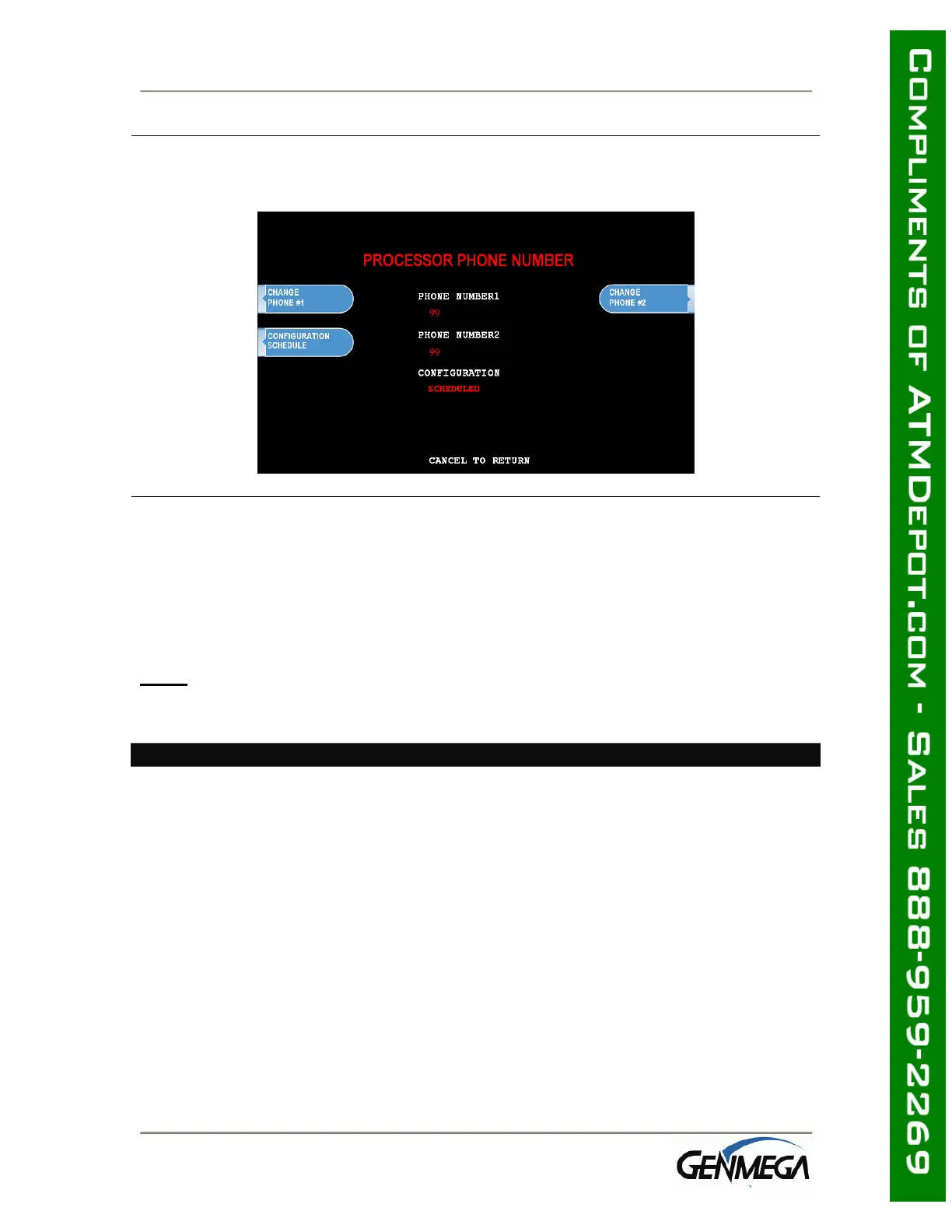
Once you have selected Host Phone #1 or Host Phone #2 you will be prompted with
the following screen. Using the numbers on the keypad press the first number of
your phone number.
Step 4
Genmega always recommends using a dedicated, data-quality phone line for all ATM
installations, however if you are using a phone line that is dialing out through a PBX
type system (where you dial a number for an outside line), then you may insert
commas ( , ) to create a pause between digits.
For example if you have to dial a 9 to get an outside line try the following:
9,,18005551212
(the 800 number being an example)
NOTE
: Entering anything other than a number or a comma in the host phone
number field will cause the ATM not to dial out. Make sure that Zero’s and ‘O’s’ are
identified properly.
END



 To Next Page