Section 6: Customer Transactions Operator Manual
G1900™
© Genmega 2011
6.7
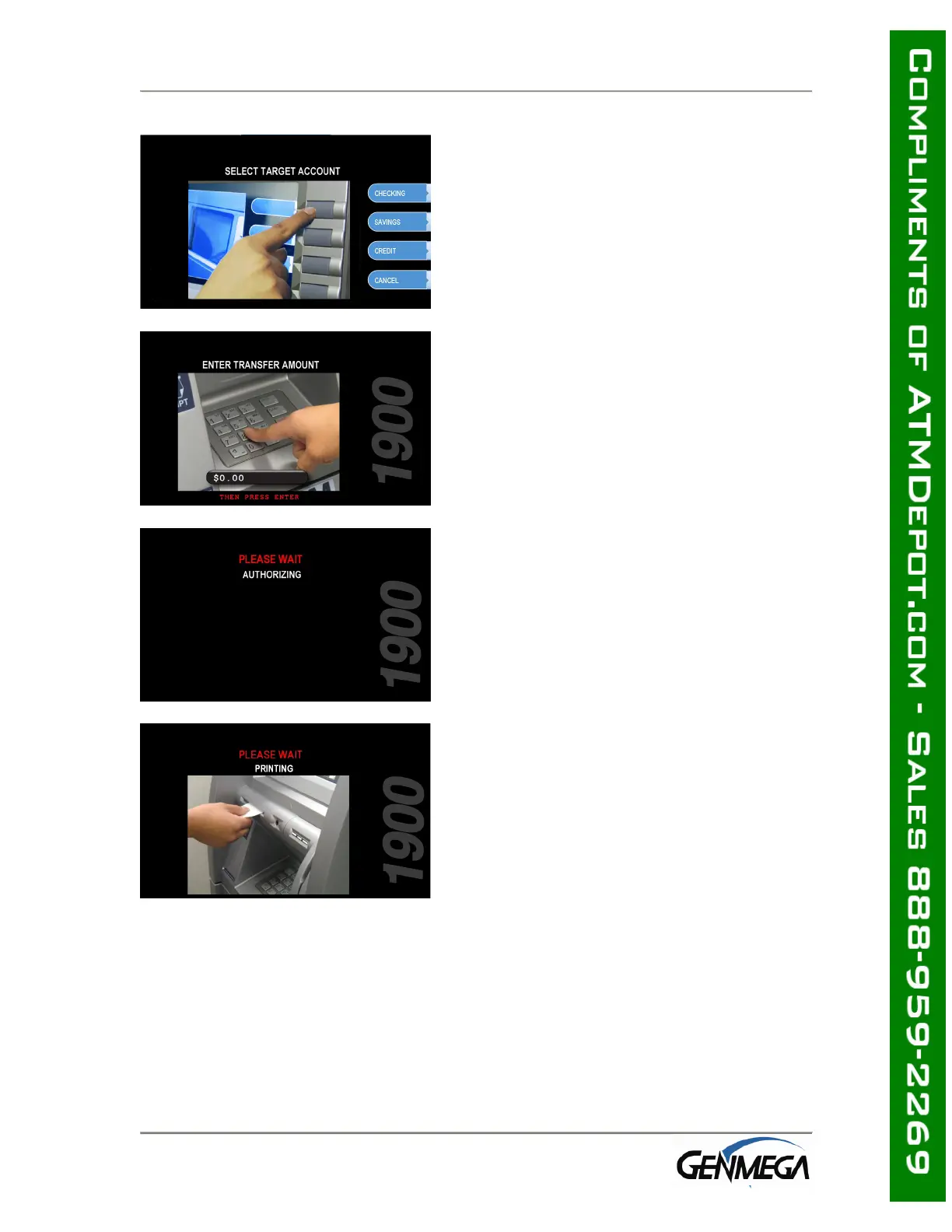
Step 5
Select the target account to be transferred
“TO.”
Step 6
Enter the desired amount to be transferred
and press the “ENTER” key.
Step 7
The ATM dials the processor and requests
approval for the transaction.
Step 8
When the authorization is received from the
processor, the following screen will be
displayed and the receipt will be printed.



 To Next Page