Appendix C: TDES Key Installation Operator Manual
G1900™
© Genmega 2011
C.3
2) Entering A Master Key
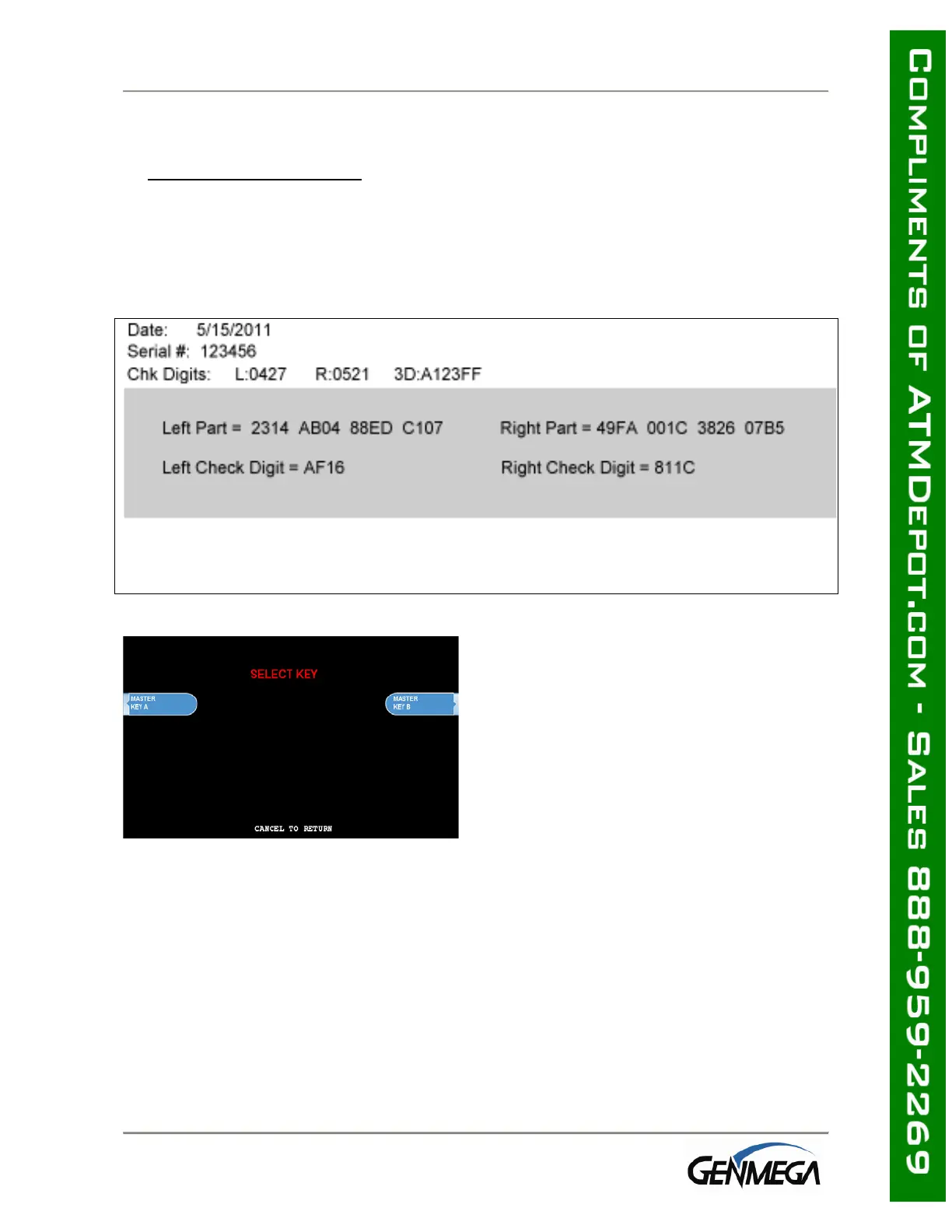
Master Key security requires that no one person has access to all parts of the key. To
ensure this, the processor will provide keys in separate sealed envelopes (sometimes
referred to as “key components”). Each envelope contains either one or two 16 digit
keys and in the case of unique key, a serial number. The diagram below shows a
sample Unique Key, TDES master key.
Begin by choosing Edit Master Key from the
menu
Depending on Key Mode, the menu prompts
for Part A and Part B.
The Edit Master Key interface is designed so that Parts A and B can be entered at
completely different times and in either order (Part A first, or Part B first). If a technician
is dispatched to enter a key part, choose Check Key from the Key Management menu to
determine which part of the key has already been entered.



 To Next Page