| CARDIOHELP System | 3 Inspection | 61 |
Service Manual | 3.3 | EN | 05
Copyright Maquet Cardiopulmonary GmbH
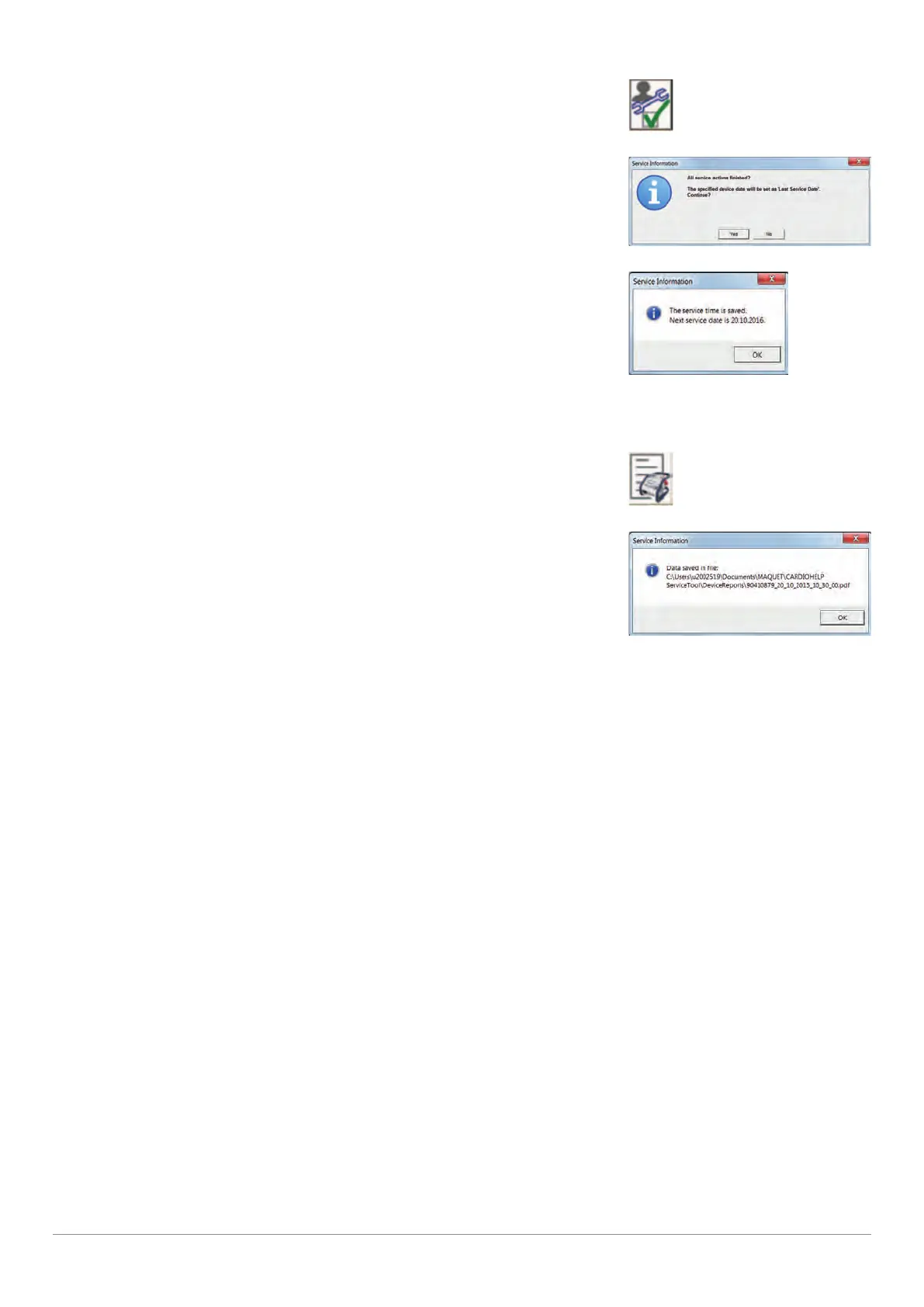
2 Click on the [Finalize Service] button.
[Finalize Service] symbol
3 Click on the [Yes] button.
"Last Service Date" message
▶ Next service date is displayed.
"Service data saved" message
4 Click on the [OK] button.
3.7.2 Create Status Report
1 Click on the [Status report] button.
[Status report] symbol
▶ The status window displays the location and file name of the
PDF file.
"Status report saved" message
2 Click on the [OK] button.
▶ The file is opened.
3 Print out the status report and sign it in duplicate (for customer and the service documents).









 To Next Page