Unlocking (P710)
Press for three seconds to unlock the keyboard.
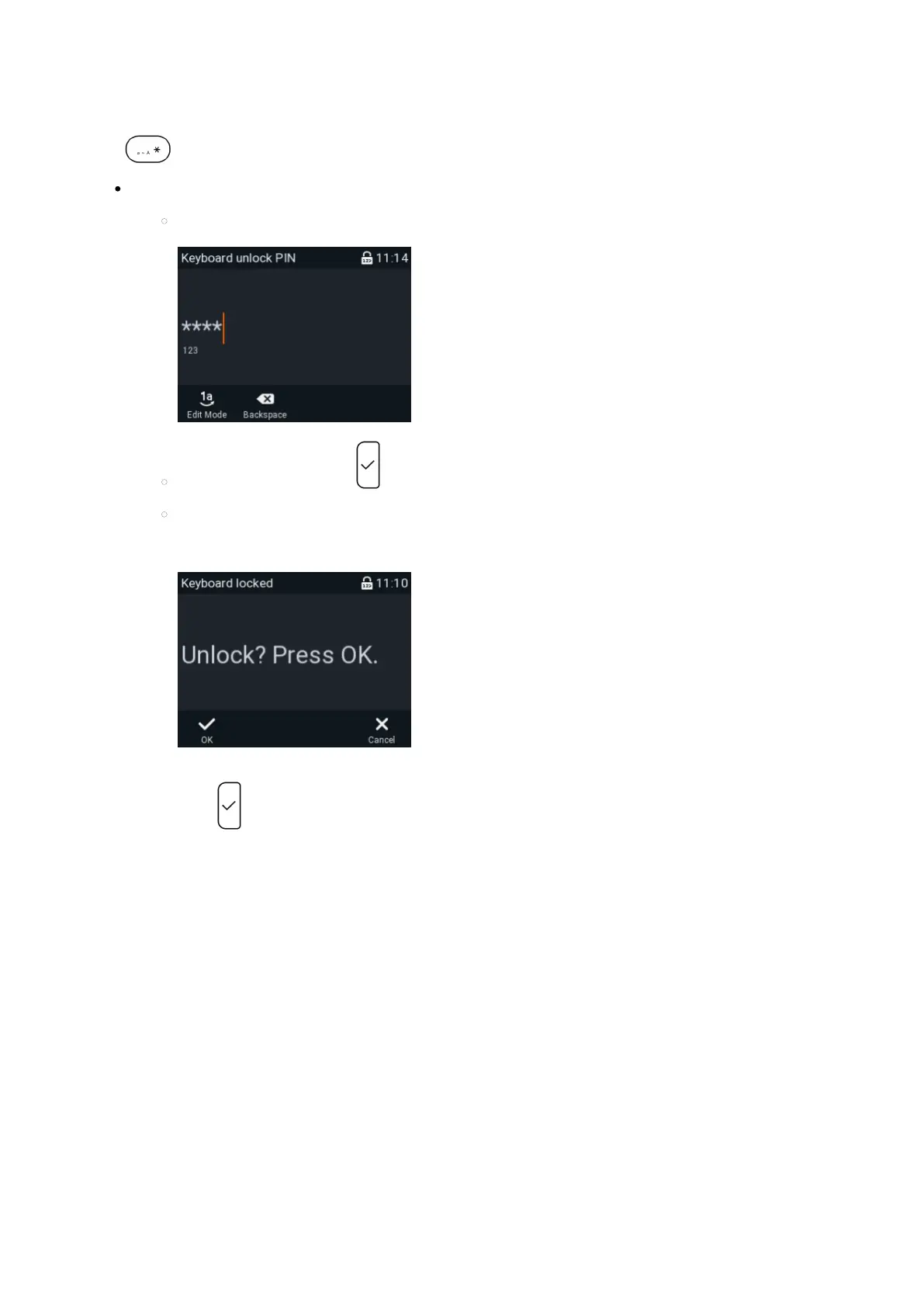
If a PIN for unlocking the keyboard has been set, you will be prompted to enter the PIN.
Enter the PIN.
Confirm the PIN by pressing
If you attempt to dial a number that is not defined as an emergency number on your phone you will be
prompted to confirm that you want to unlock the keyboard.
Press to confirm and dial the number.














 To Next Page