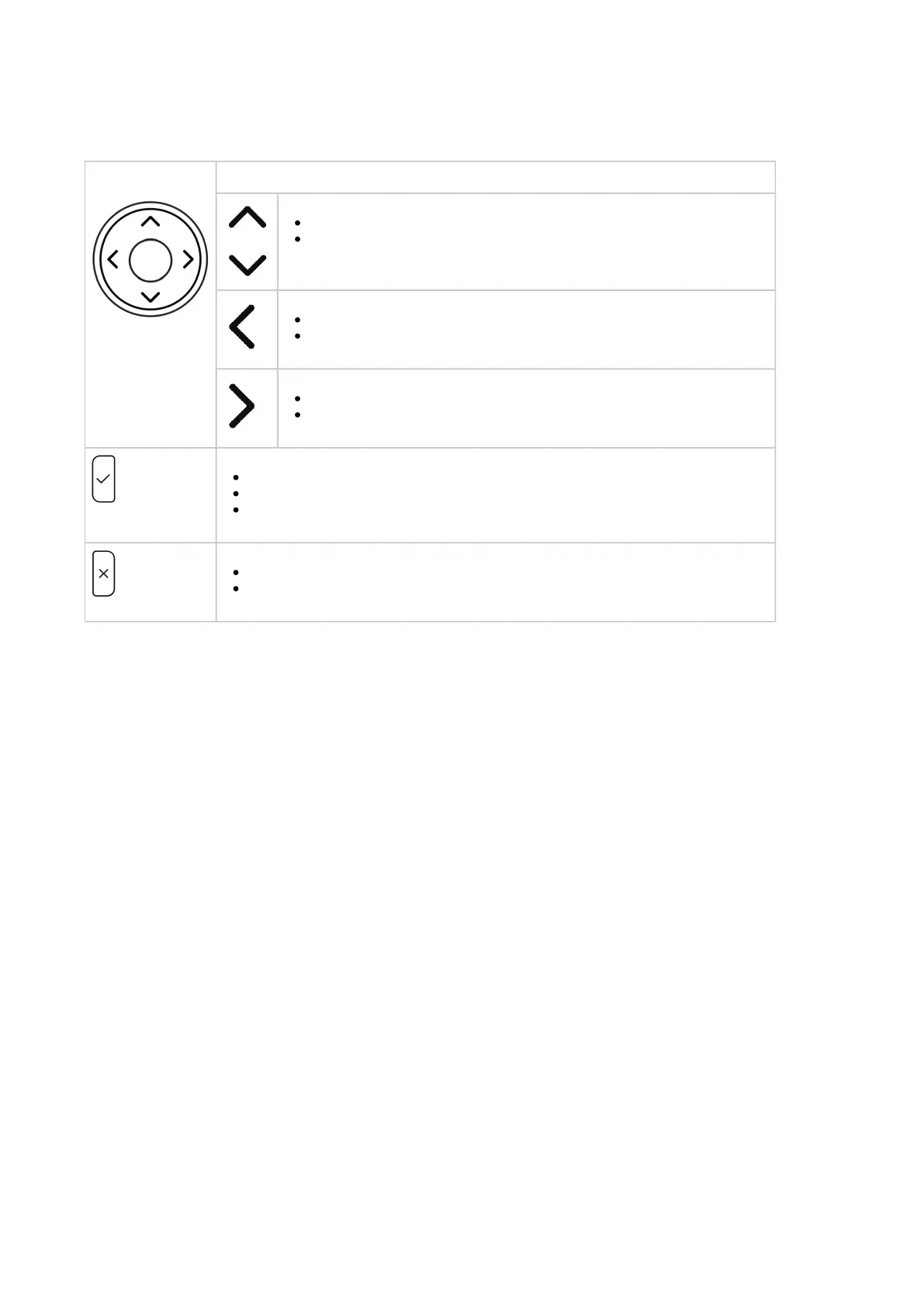
Navigation, confirmation, and cancel keys (P710)
Can be programmed with the key events available in their drop-down menus. Factory settings:
Navigation key
On idle screen: Press to select identity for outgoing calls
In other contexts: Moving up and down lists one item/button at a time
In text fields, press to move the cursor to the left one character at a time.
On idle screen, press to open list of missed calls.
In text fields, press to move the cursor to the right one character at a time.
On idle screen, press to open the list of received calls
Press to accept calls on speakerphone and in headset mode.
Press to confirm actions/settings and return to preceding screen.
On idle screen: Redial.
Press to terminate calls on speakerphone and in headset and handset modes.
Press to cancel actions and return to preceding screen.














 To Next Page