1.
2.
3.
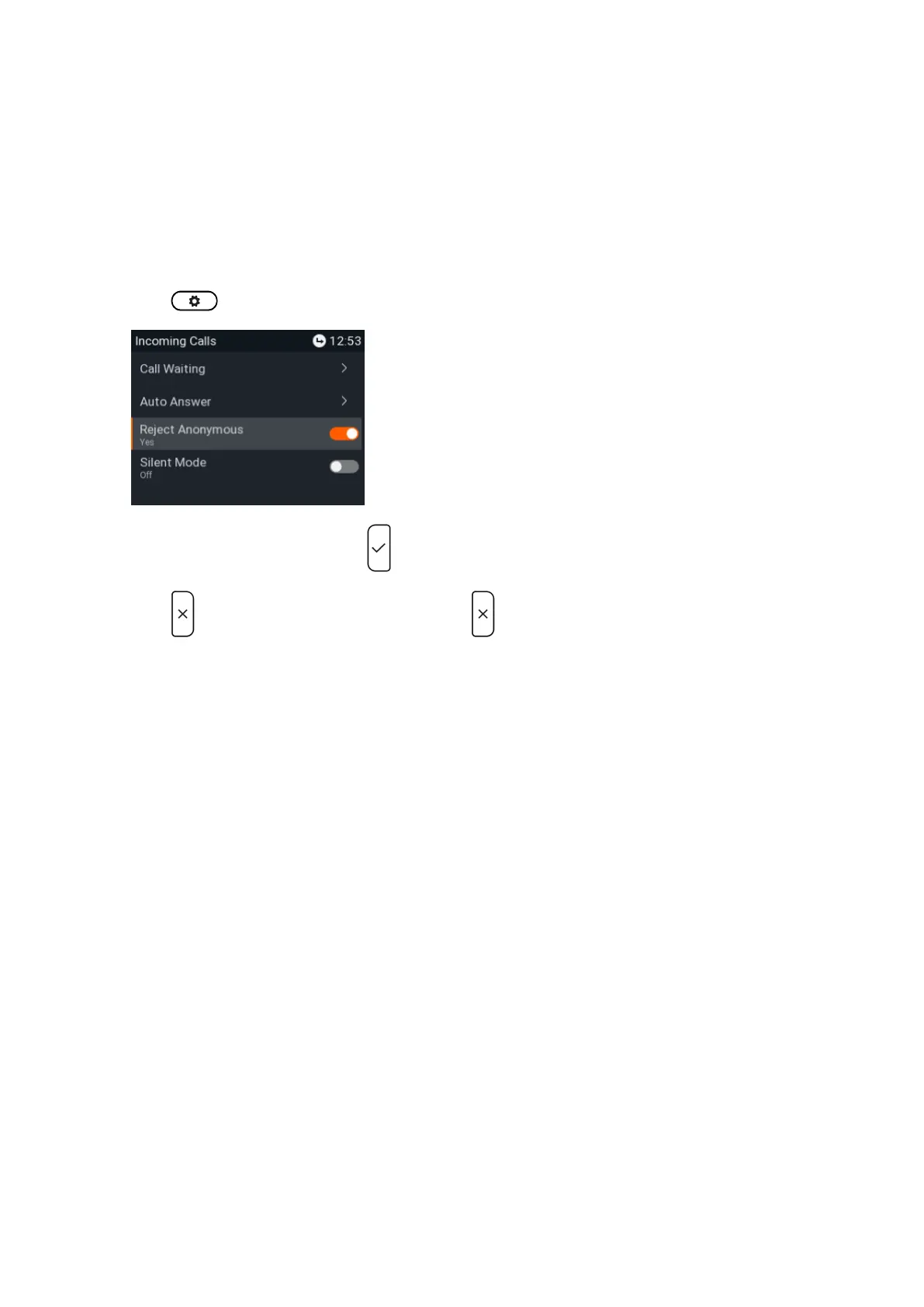
Rejecting anonymous calls. (P710)
With this setting you will not receive calls from phones whose number is not shown on your display.
Anonymous callers will hear the busy signal.
Please note that calls from analog phone connections will, most likely, be received as anonymous calls. The
default is off.
Setting on the phone
Press > > .Call Features Incoming Calls
Select and press to change the setting from to and vice versa.Reject anonymous yes no
Press briefly to return to the previous menu, press for two seconds to return to the idle screen.














 To Next Page