1.
2.
Speed dial (P710)
You can use the numbers 0 to 30 and the special characters # and * to speed dial frequently dialed and/or long numbers
without having to enter the complete phone number. The numbers must be set on the phone's web interface first.
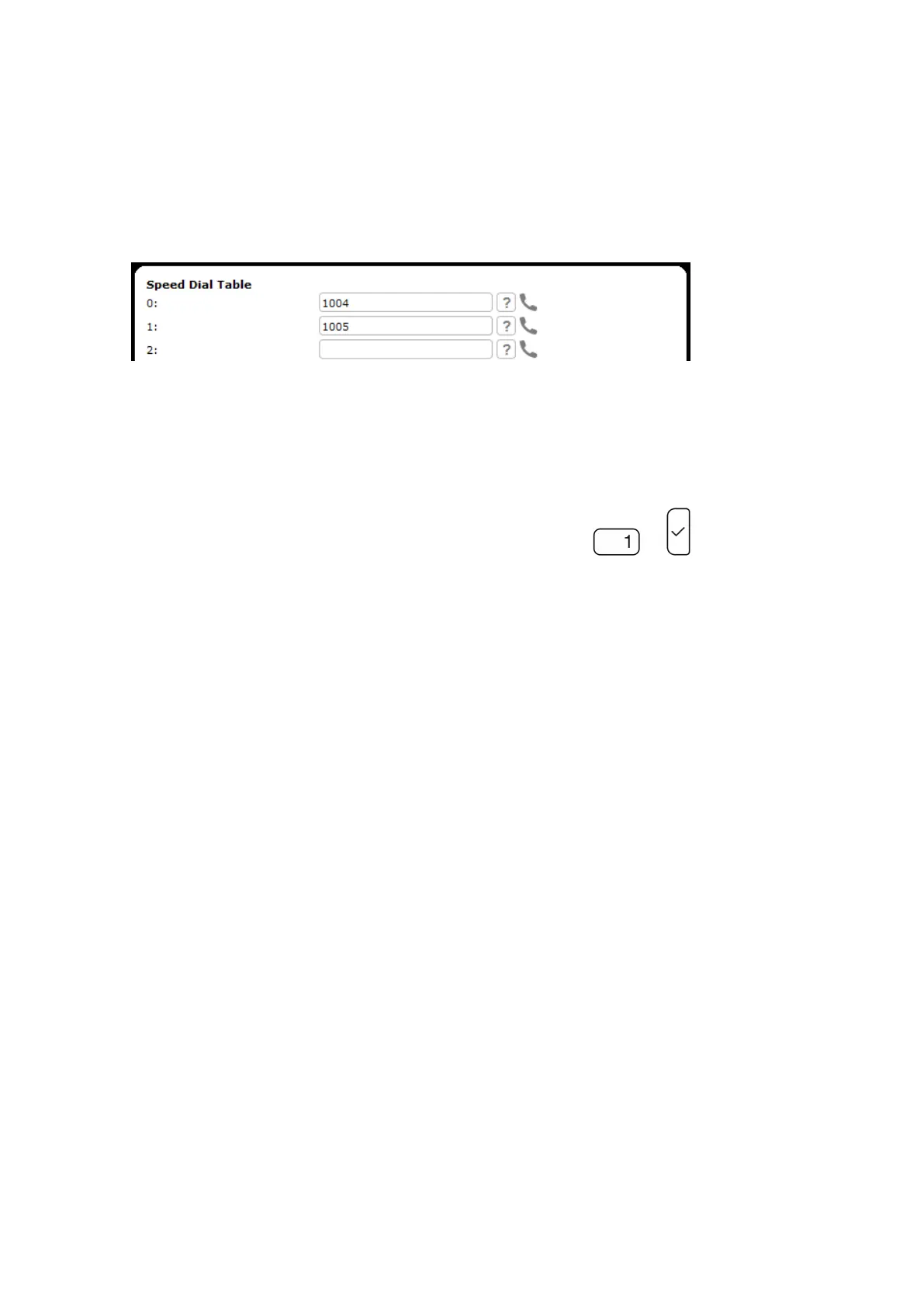
In the menu on the left side of the phone's web interface, click . Speed Dial
Enter one phone number with any required prefixes (area code, country code, operator/auto attendant, etc.) in the
text field for each respective number or special character in the table.
Type each phone number without spaces or punctuation between the digits.
For example: You want to be able to speed dial phone number 1005 by pressing key into the text field of the
number 1.
3. Click and . You can now speed dial the number by pressing and on the phone.Apply Save














 To Next Page