Icon and text. The label will display the icon of the functionality mapped
onto the key and the text or number.
Short/Full Label
Optional: Enter a name or other descriptive text in the text field. This is the data
displayed on the key's label area on the display. If you leave the field blank, the
number will be displayed in the key label area.
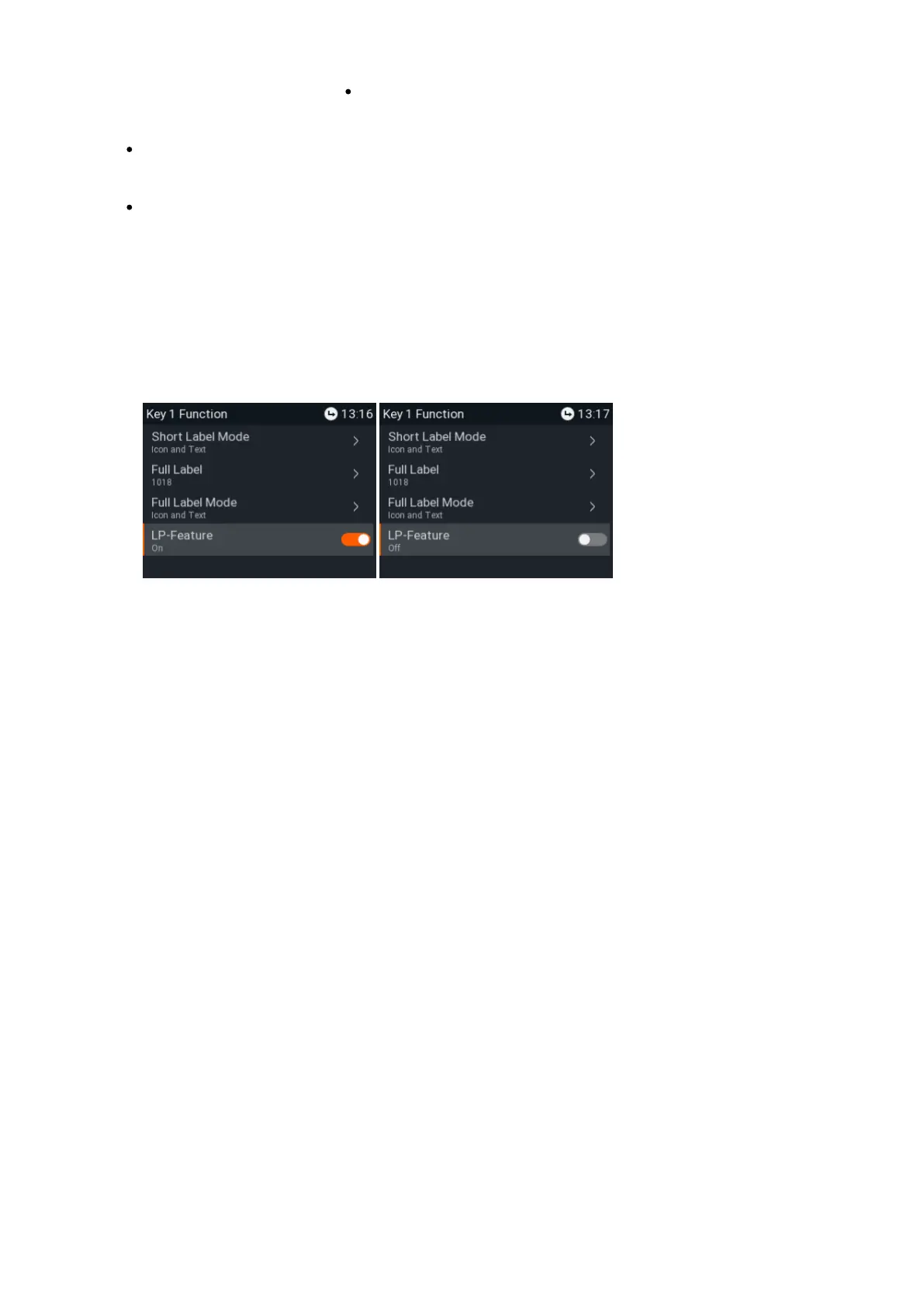
LP Feature (setting
on phone only –
functionality for long-
pressing of keys)
This is a shortcut to the configuration menu of SmartLabel key (keys P1–P4). In
the default setting, the function is enabled (Fig. 1).
Press the key for three seconds to open its configuration menu. The yellow LED
on the key blinks. See "Function key settings on the phone" on page 73, step 4,
on how to continue.
Note: The LP Feature must be deactivated for the functions Push2Talk
and Line Info Layer.
If the LP feature of a key has been disabled, use the menu, Preferences F
and submenus to access the key's configuration menu.keys SmartKeys
Fig. 1 Fig. 2














 To Next Page