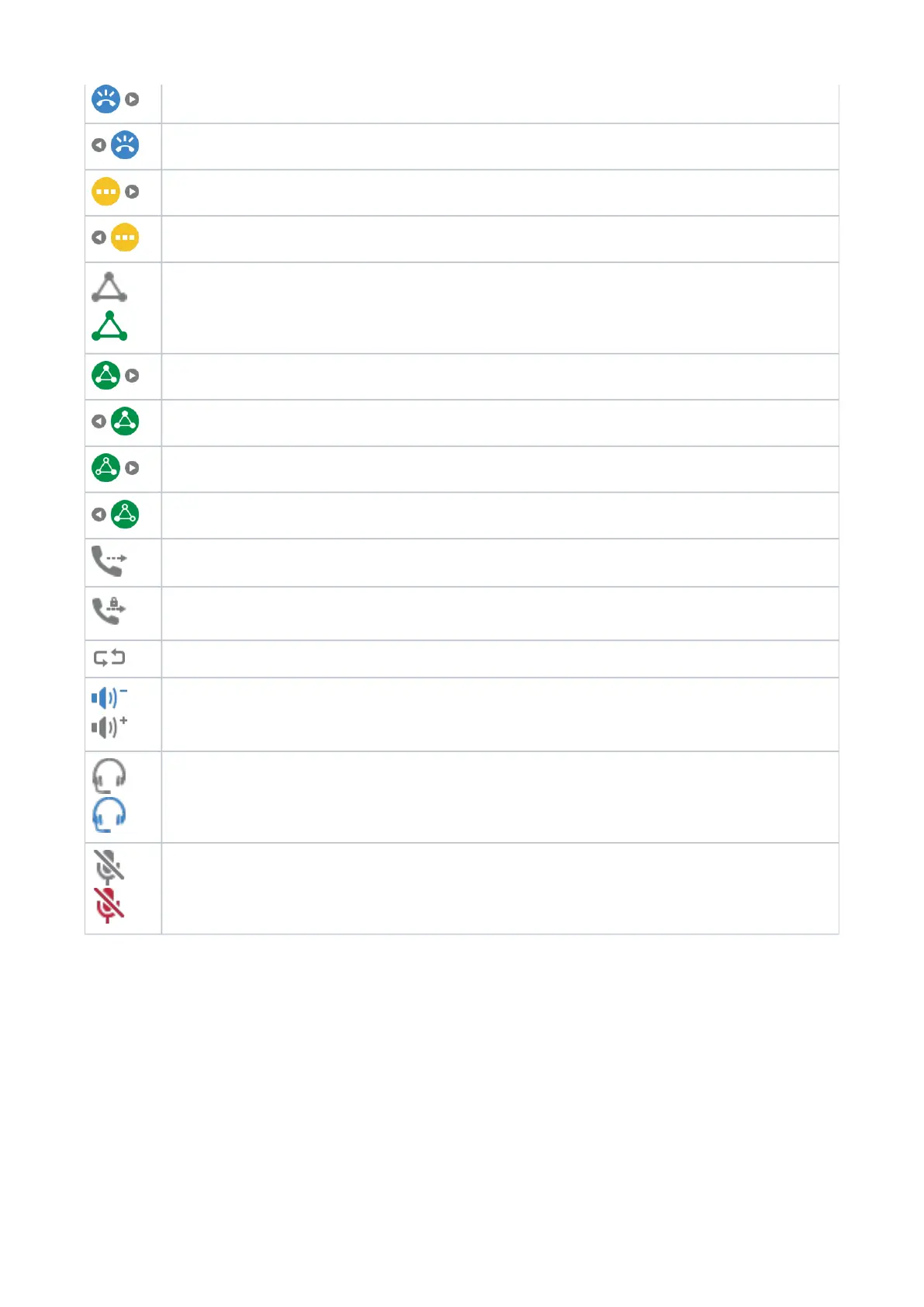
Navigate right (forward) to view ringing call (call waiting)
Navigate left (back) to view ringing call (call waiting)
Navigate right (forward) to view call on hold
Navigate left (back) to view call on hold
/
Establishing conference with all calls on hold / Conference established (active)
Navigate right (forward) to view conference screen
Navigate left (back) to view conference screen
Navigate right (forward) to view one of the conference participants
Navigate left (back) to view one of the conference participants
Transfer call
Transfer call safely
Call completion
/
Casing speaker (inactive / active)
/
Headset (inactive / active)
/
Microphone (active / muted)














 To Next Page