Function key line
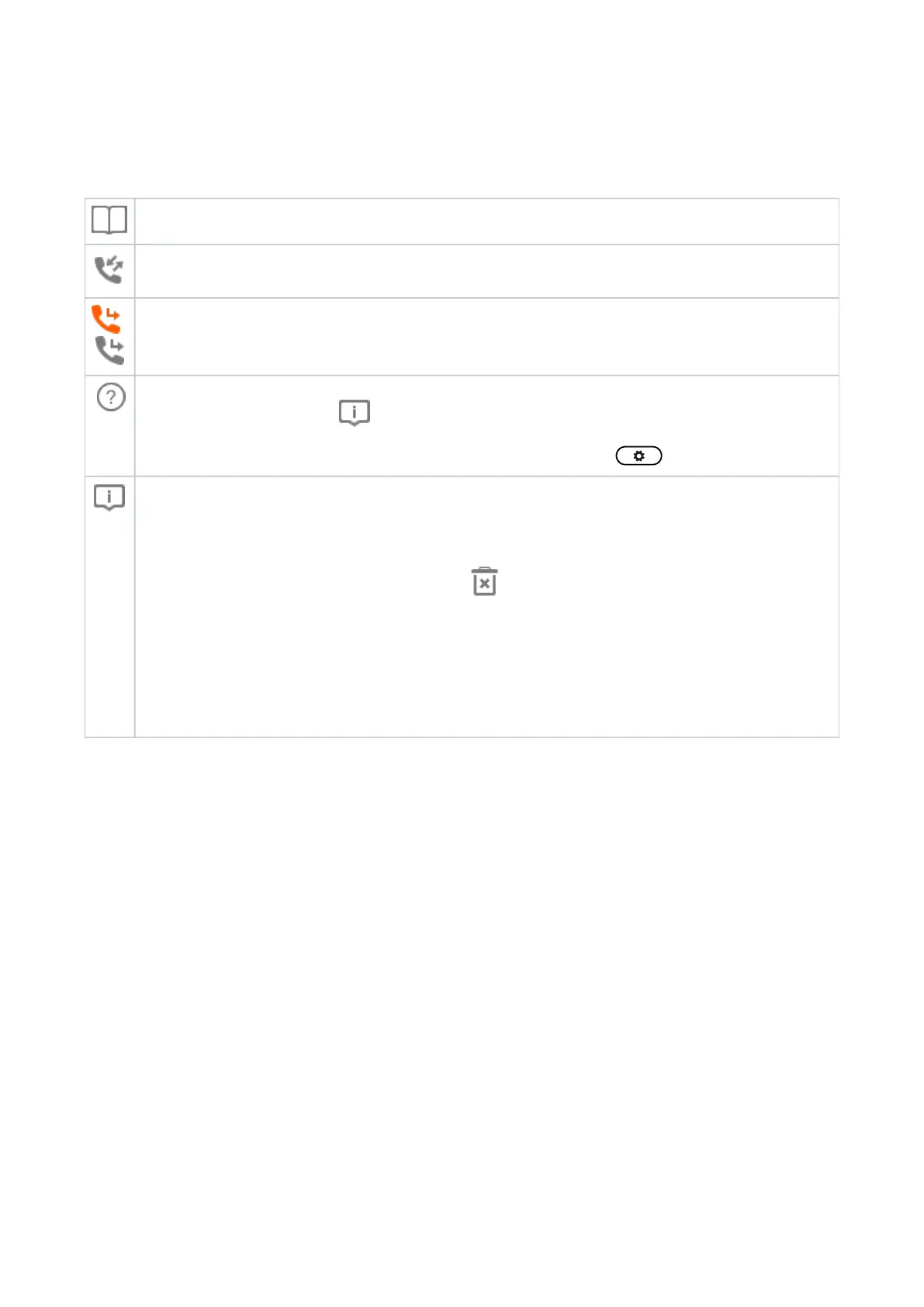
The symbols on the buttons in this line depict the functions that can be activated by pressing the function key underneath
the respective symbol.
The factory defaults are:
Directory.
Call history.
Forwarding all calls (on/off).
Pressing this key will put the IP address of the phone on-screen. If another function is mapped onto the key or
if the key has been replaced by because of new status
messages, IP address and URL can also be looked up in the settings menu: > > .Information Help
Displaying all currently available status messages. This key is available whenever a status message becomes
newly available even when a different function is mapped onto
the far-right function key underneath the display.
Press the key to display the status messages; press to delete the highlighted status message. When all
messages have been deleted, the symbol will disappear from the
function key line; the message in the status line will also disappear.
The function mapped onto the key is now available on this key again. If you have mapped the "Status
messages" function onto the key, the key will remain blank until a new status
message becomes available or until a reboot when all current status messages will be displayed a new.














 To Next Page