1.
h.
i.
j.
2.
Birthday. Uses the format set at Preferences > General information > U.S. Date Format (mm/dd): "On" or
"Off". Enter in DD.MM.YR or MM/DD/YR format. Examples:
Favorite: Tick box to add entry to "Favorites" list.
VIP: Calls from numbers with this contact type will ring on your phone even when DND mode is active.
You can assign a ringtone to this contact type. If your VIP is also assigned to a group (see below) and if
that group has a distinct ringtone, the ringtone assigned to the group will be played.
Click to save new entry to directory.Add
Editing an entry
When you open an existing entry, the current information is displayed in the text fields of " or Entry" and two Add Edit
additional buttons, " " and " ", are available (see Fig. 2 and 3, below).Add Sub Change
Editing
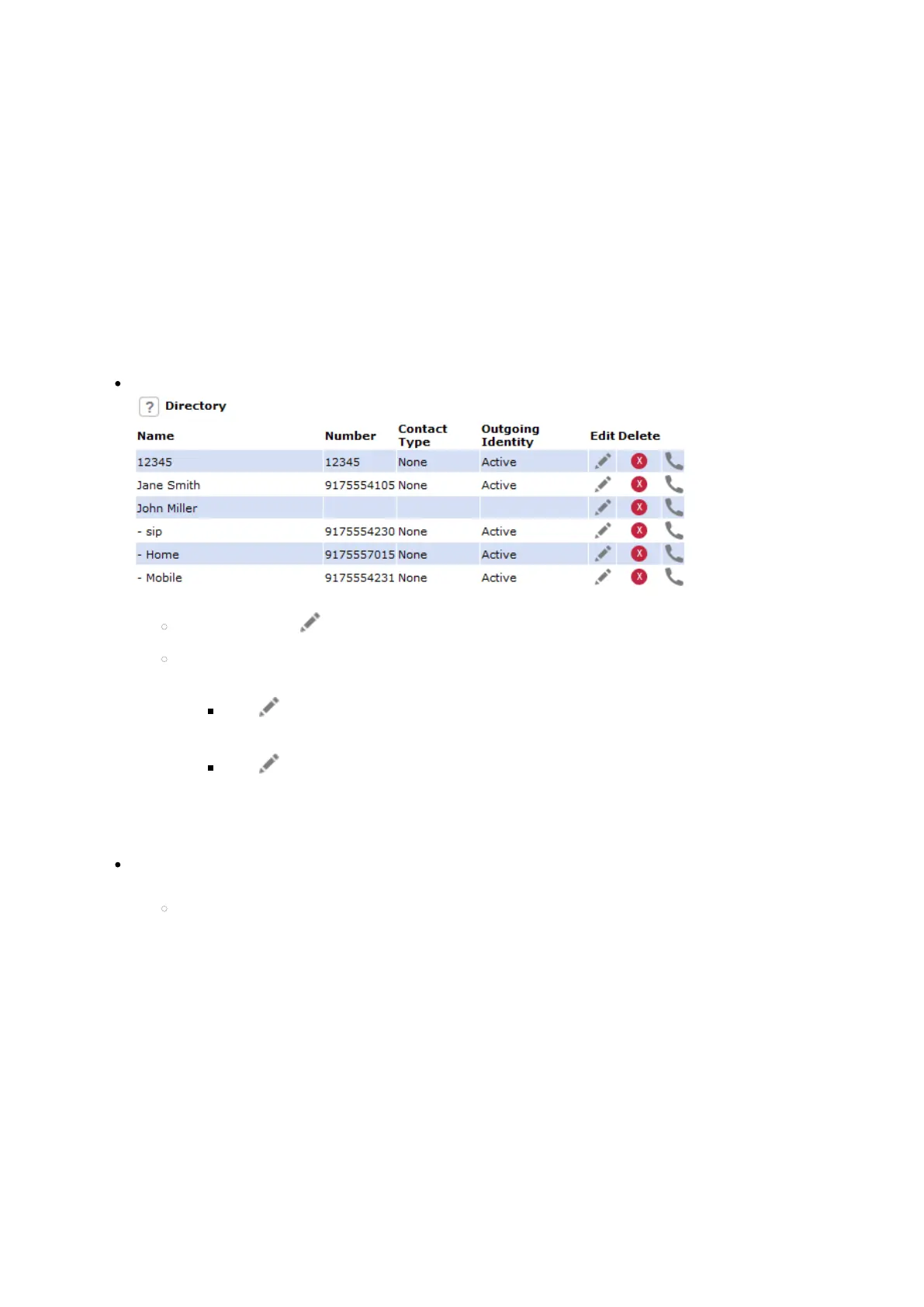
Fig.1
If single entry, click in the entry's line.
If there is more than one number associated with a name:
Click in the name's line if you want to edit/add the first or last name and the data in the blue
area applicable to the master record.
Click in a phone number's line if you want to edit the sub entry's data (phone number, number
& contact type, outgoing identity, and any blue area data applicable to this sub entry only).
Make changes as necessary and click .Change
Adding additional phone number (sub entry) for a name
Jane Smith's entry has only one phone number, her SIP phone number. In this example, the phone
number of Jane Smith's landline will be added to the directory.














 To Next Page