3.
d.
e.
f.
Press for three seconds to return to idle screen.
Press to sort the calls.
Press to show the call details of the selected call.
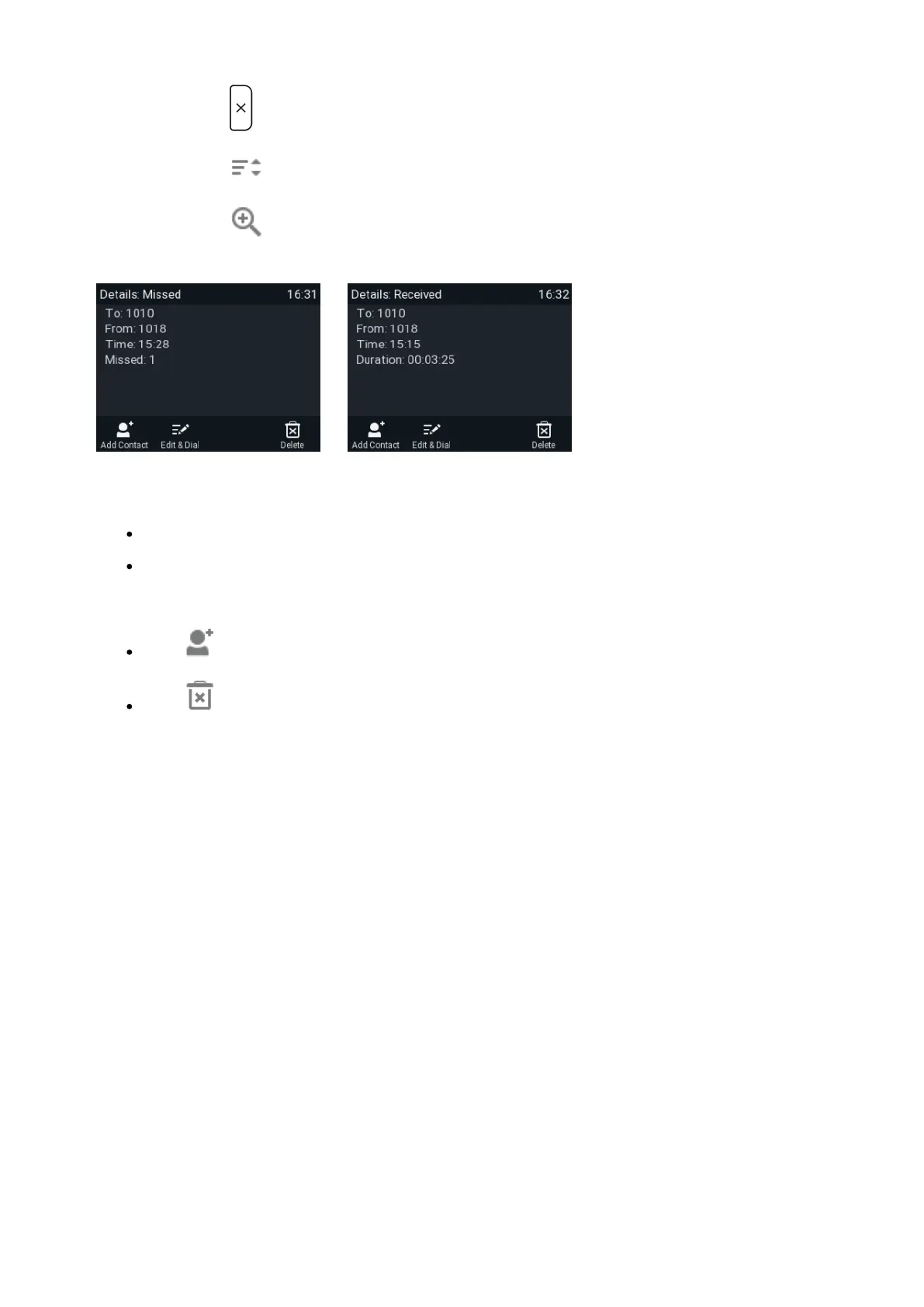
Fig. 1 Fig. 2
Missed calls: To, from, time (and date if not today), total number of missed calls from caller (Fig. 1).
Received and dialed calls: To, from, time (and date if not today), duration of call (Fig. 2).
When viewing the Details of a call:
Press to add the caller/callee to the phone's directory.
Press to delete the call.














 To Next Page