GETTING STARTED
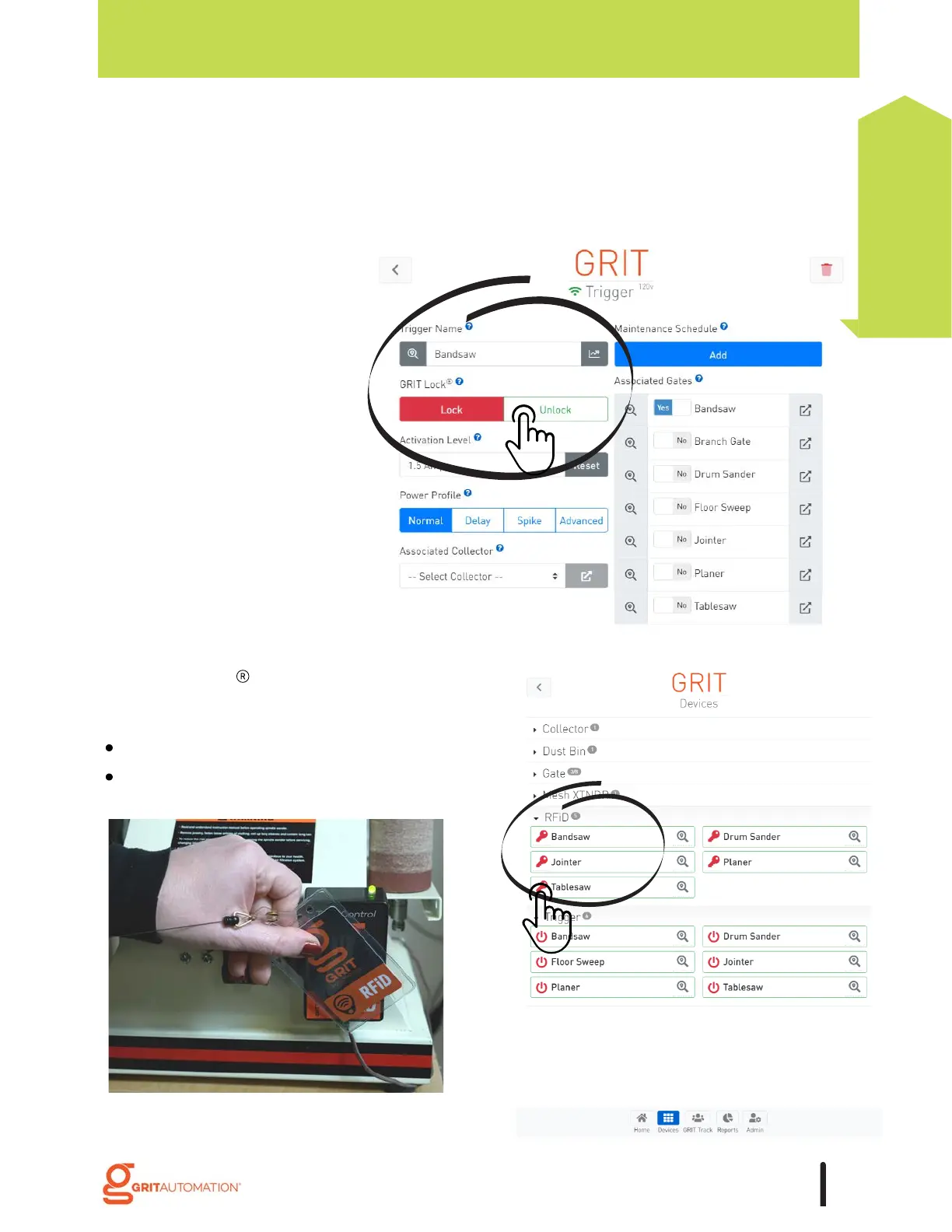
by swiping a RFiD card.
by pressing the key icon in the GRIT App
6. GRIT Track RFiD devices.
If a tool is outfitted with Access Control, unlock:
5. The GRIT App Trigger screen.
A tool's detailed configuration screen provides
a button to toggle the state of that Trigger.
13
Getting Started



 To Next Page